4
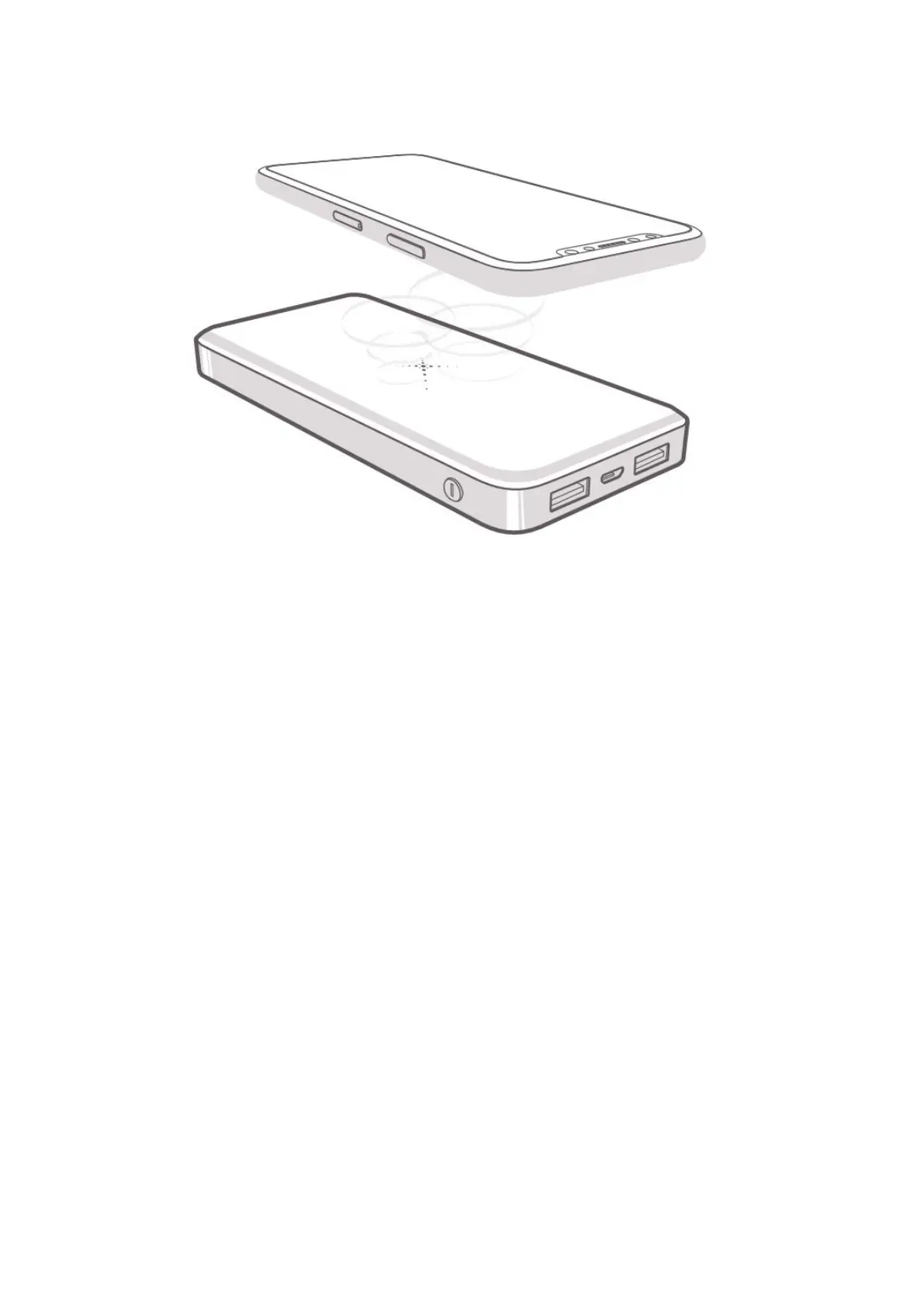
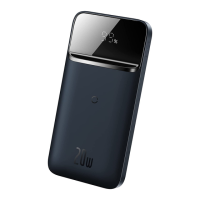
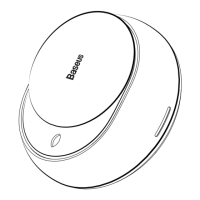
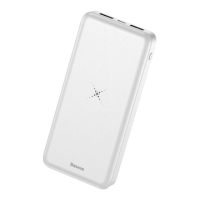
6. Wireless Charging Schematic of Mobile Power Source
Wireless charging tips
Please place the wireless charging area corresponding to this product (wireless charging
coil emission area, see illustration above) for wireless charging. The wireless charging
distance is within 6 mm. If the user cannot charge wirelessly when the distance is more
than 6 mm, please adjust the wireless charging distance within the wireless charging
range.
7. How to Charge This Product
When connecting a charging cable adaptable to the port of this powerbank to charge
this product, the digital display indicator will flash and display the current electric level of
the powerbank, which indicated that the connection is properly made and the
powerbank is being charged, when the user can directly view the current charging status
of the powerbank. If the display indicator is not lit after the charging cable is connected,
please check the charging cable for correct connection.
Charging this powerbank by using power adapter/PC USB port
1. When the original USB cable is chosen for charging this powerbank, you may also
use micro charging cable. The powerbank is charged just by inserting it into the
micro port.
2. Connect the USB-A connector with the DC 5V or PC USB port, then LED electric
level indicator begins to flash, indicating this product is being charged. The LED
indicator becomes constantly lit when it is fully charged.


 To Next Page