4. Operation
4.1 Display and keys
The BUFM 660 series is displayed with 14 digit LCD in 2 rows, and it has
three keys, with its functions as follow:
4.2 Two working mode
The instrument has two working mode: running mode and programming
mode. In running mode, the measurement is displayed. In programming
mode, data is displayed to assist with setting some parameters.
4.2.1 Running mode
When the power is turned on, the instrument takes several seconds to
initialize and then runs into the running mode to start the normal level and
flow measurement.
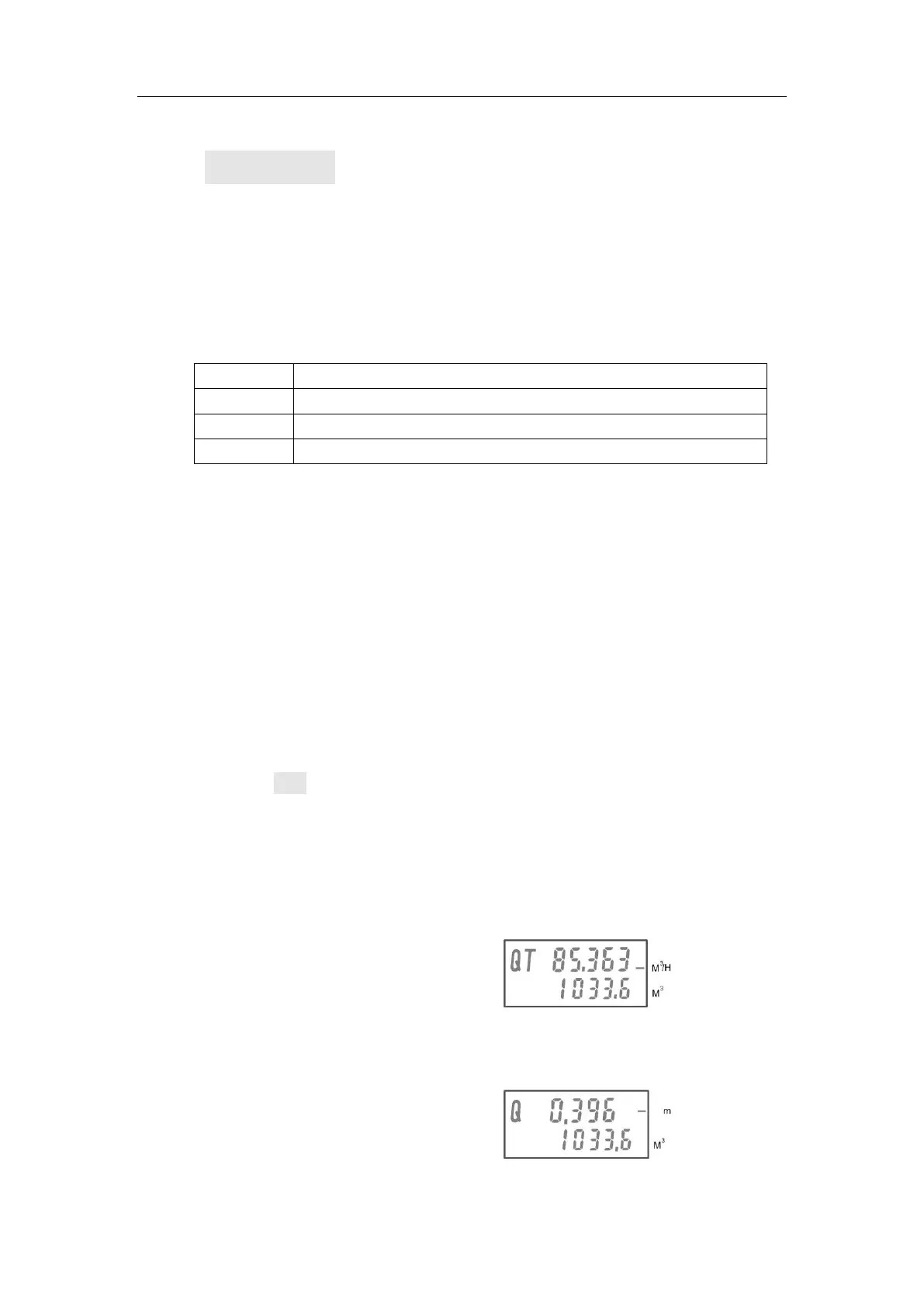
In the upper line, there are four values which can be shown in turns by
pressing SEL key : the instantaneous flow rate, liquid level value , distance
value and temperature value.
In the lower line, the cumulative flow rate will be shown, and if there is
active relay, then the number of the relay can be shown in the lower line.
To the left of the main display there will be alphabets shown to indicate the
selected duty. And the measurement units are shown on the right side.
the instantaneous flow rate
liquid level value



 To Next Page