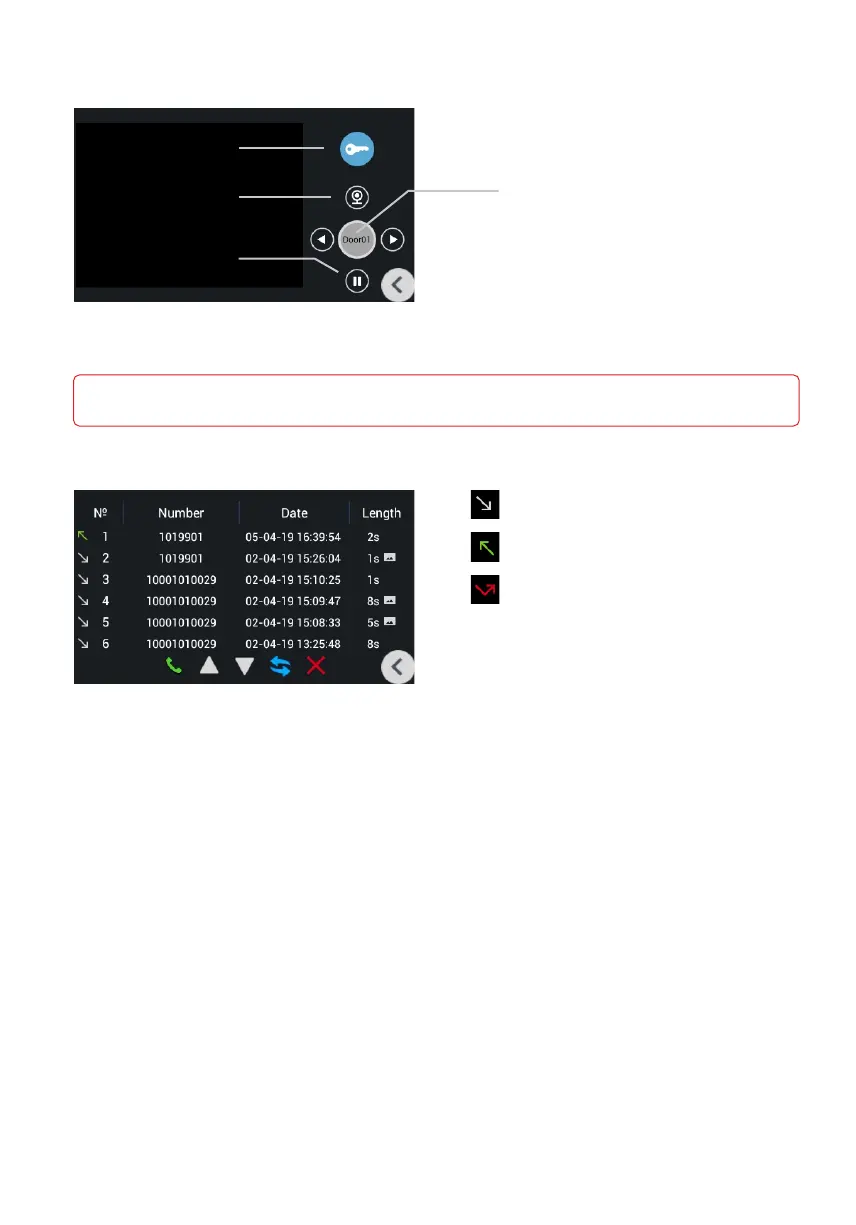
Monitoring
In this menu you can monitor outdoor panels
which are connected in the same LAN.
Lock release
Starting viewing
button
Pause viewing
button
Switching between viewing
of individual and multiapartment
panels.
Switchnig between panel is going
by pressing Left and Right arrow
buttons.
In this mode, communication will take place in one-way mode, i.e. You will hear what is happening at the panel,
but you will not be heard.
Records
Incoming calls
Outgoing calls
Missed calls
• Number: Number of dialer.
Date: Date and time of the call.•
Lenght: Conversation lenght.•
In order to highlight the desired call, you need to press it once.
By pressing the buttons below you can call back to the selected number, scroll through
the list or delete the entry.



 To Next Page