Services menu AND SETTINGS
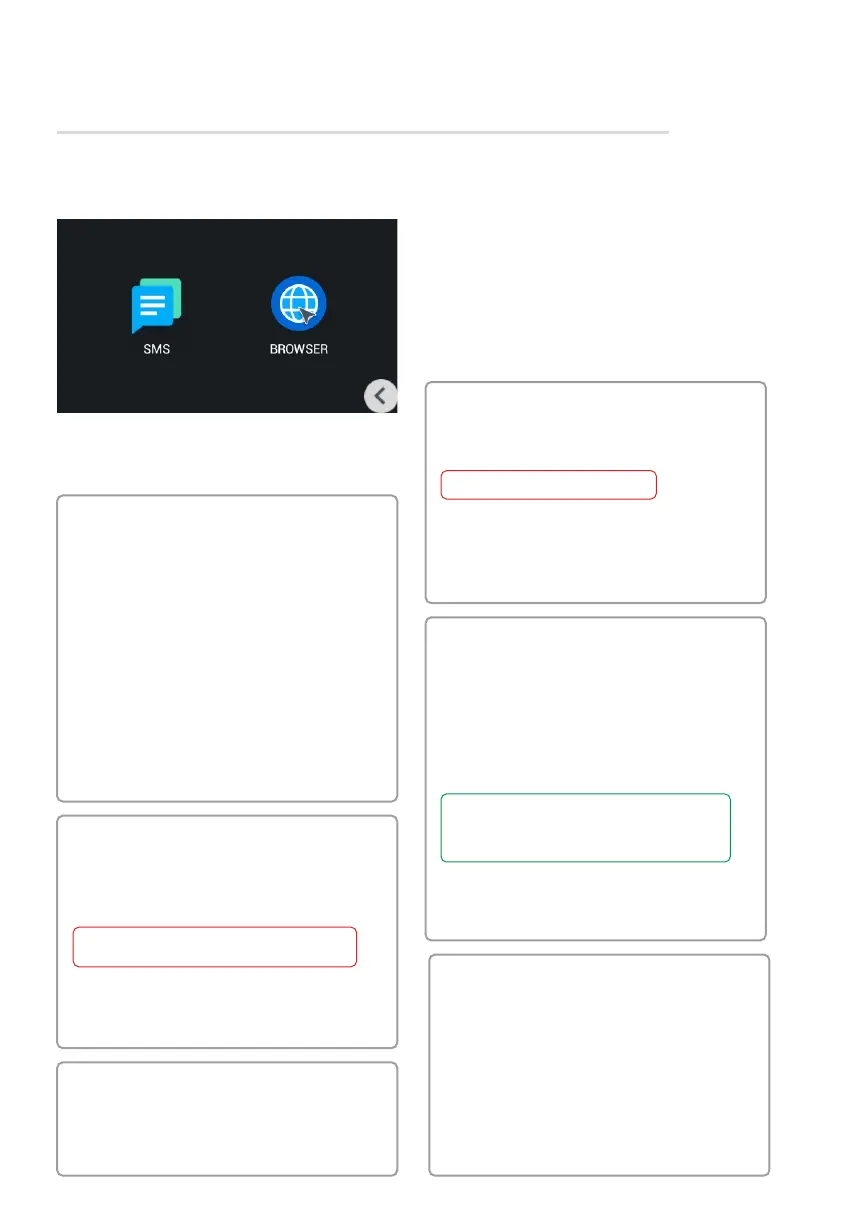
SMS
This menu dispalys messages which was sent
from LINK software.
Browser
In this menu a pre-set web page apperas.
You can set up a desired page through
web interface.
SERVICES MENU
Password
• Old password: Current password
input field.
• New password: New password input
field.
Confirm: New password confirmation•
field.
By default, user password is 1234.
System
• Volume: The volume of the system
sounds.
Communication: Speaker volume•
during a call.
Language: System Language.•
Time Zone: Select Time Zone.•
Auto Answer: Automatically receive•
all incoming calls.
Device settings
• Building number: 0001-9999
Unit: 00-99•
Floor number: 00-99•
Room number: 01-99•
Device: The sequence number•
of the monitor in the system.
If the monitor is one, it is necessary to set «0»
in this line. If there are several monitors, then
the numbering should begin with «0» and end
with «8».
• Sync code: Synchronization code
between monitors and panels for
intercom.
settings
Communication
• Camera: Activates / deactivates the
camera when it is called (the current
model is not installed).
Answering Machine: Activates / •
deactivate the answering machine.
To record messages in the intercom,
an SD card must be installed.
Auto Answer: Activates / deactivates•
the automatic reception of an incoming
call in 10 seconds.
Volume: Adjusts the volume of the•
speaker.
Network settings
• DHCP: Enable / disable mode to get
network settings automatically.
IP: Internal monitor IP address.•
By default, internal monitor can have a static
IP address 192.168.1.90 or 192.168.1.91.
• Mask: Subnet mask.
Gateway: The main gateway.•
DNS: DNS server address.•
Version
This menu displays the current firmware
version, the IP address and the MAC
address of the device.



 To Previous Page