Configuring the Camera
BASLER A202
k 4-25
DRAFT
4.2.5.9 Read Camera Temperature
Purpose: To read the camera’s internal temperature. See Section 3.13 for the allowed maximum
temperature.
Type: This is a read only command.
Read Command: Cmd-ID R/W-Flag Data Length Data
0x70 1 1 -
Response: Cmd-ID R/W-Flag Data Length Data
0x70 0 1 1 Byte
Data Format: The temperature is given in °C as an 8 bit signed number.
If the MSB is 1, a temperature below 0° C is present.
If the MSB is 0, the temperature is 0° C or higher.
For temperatures below 0° C, a two‘s complement representation is used,
that is, to obtain the actual temperature, the digital output must be inverted and
1 must be added. For example:
A digital output of 11110110 would indicate a negative
value because the MSB is 1
11110110 would be inverted to 00001001
00001001 translates to 9
9 + 1 = 10
The indicated temperature is therefore - 10° C
See more examples in the table below.
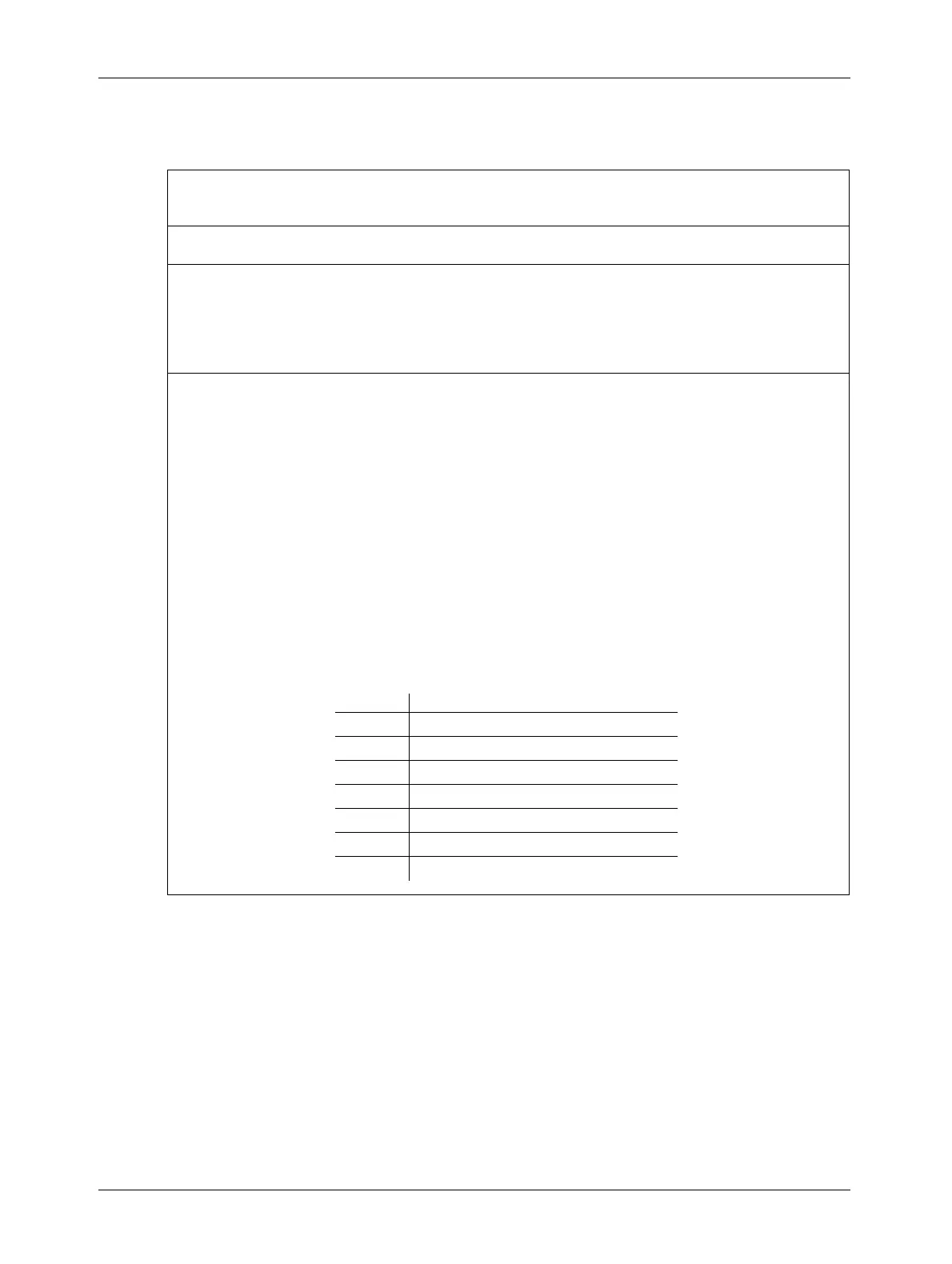
Temp. Digital Output
- 20° C 11101100
- 10° C 1111 0110
0° C 0000 0000
+ 10° C 0000 1010
+ 25° C 0001 1001
+ 50° C 0011 0010
+ 100° C 0110 0100


 To Next Page