9-4 9469300994
Troubleshooting DGC-2020HD
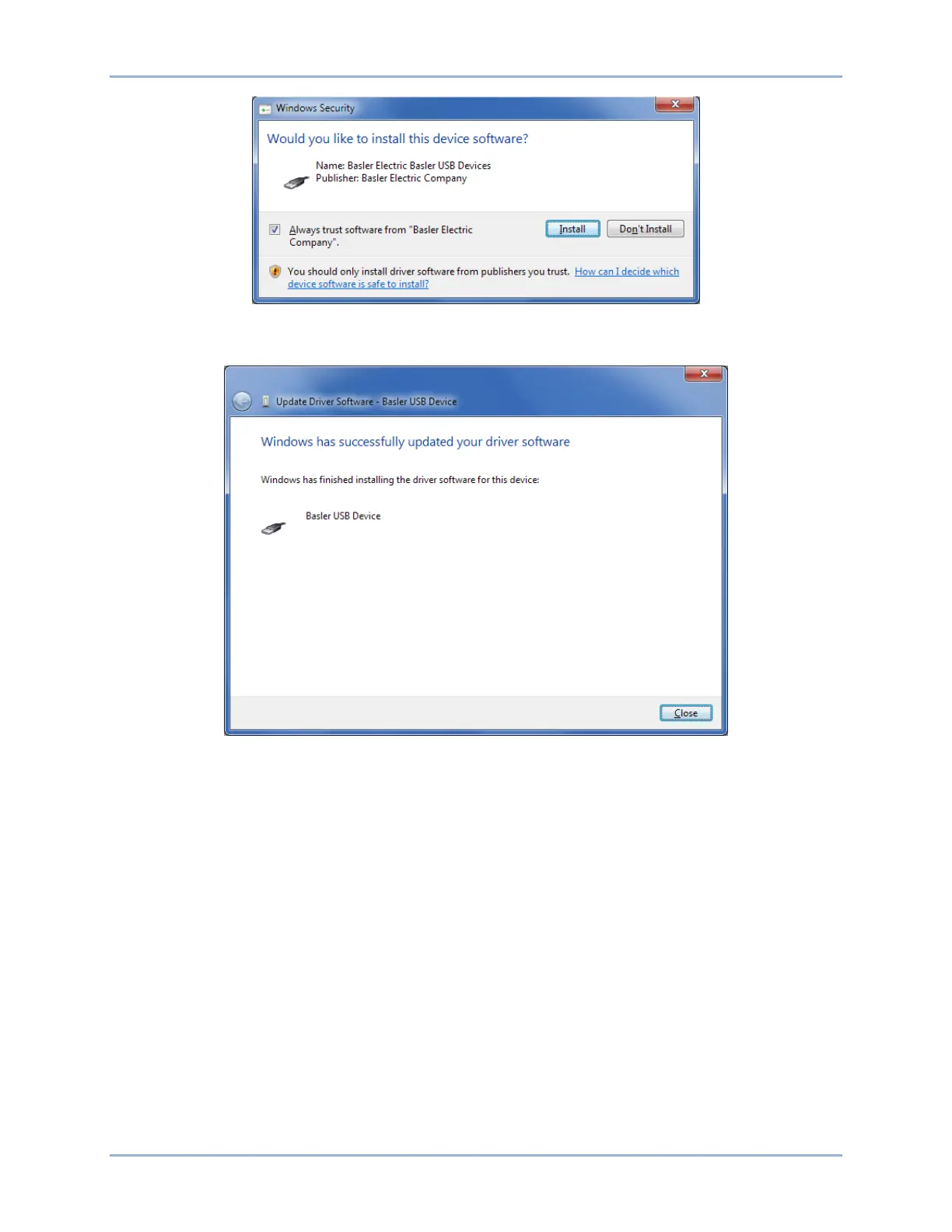
Figure 9-6. Windows Security
Step 7. The window in Figure 9-7 appears if driver installation was successful.
Figure 9-7. Driver Software Update Successful
CAN Communication Does Not Work Properly
Step 1: Verify that there is a 120-ohm termination resistor on each end of the bus section of the wiring,
and that there are not any termination resistors at any node connections that are on stubs from
the main bus.
Step 2: Check all CAN wiring for loose connections and verify that the CAN H and CAN L wires have
not gotten switched somewhere on the network.
Step 3: Verify that the cable length of the bus section of the wiring does not exceed 40 meters (131
feet), and verify that any stubs from the main bus do not exceed 3 meters (9.8 feet) in length.
Step 4: If the engine is equipped with a Volvo or mtu ECU, verify that the ECU Configuration setting is
set to match the actual ECU configuration.
RPM Control over CAN Bus Does Not Function
Step 1: Check that Engine Parameter Transmit under the CAN Bus 2 (ECU) settings is enabled.
Step 2: Check that CAN Bus RPM Request under Speed Setup is set to enabled.
Step 3: Check to determine if there are multiple ECUs on the engine. If so, consult the engine
manufacturer’s documentation to determine the CAN Bus 2 address of the ECU that will
respond to rpm requests. Set the Engine ECU Address setting under the CAN Bus 2 (ECU)



 To Next Page