Page 13For technical questions, please call 1-888-866-5797.Item 59098
SAFETYOPERATIONMAINTENANCE SETUP
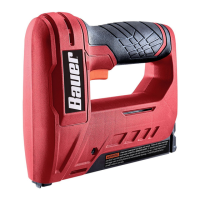
Clearing a Jam
1. If the LED Indicator is flashing red, it indicates
there is a jam in the Magazine. Stop and
clear the jam before proceeding.
2. Remove the Battery Pack.
3. If a fastener is jammed in the discharge
area, remove it with pliers.
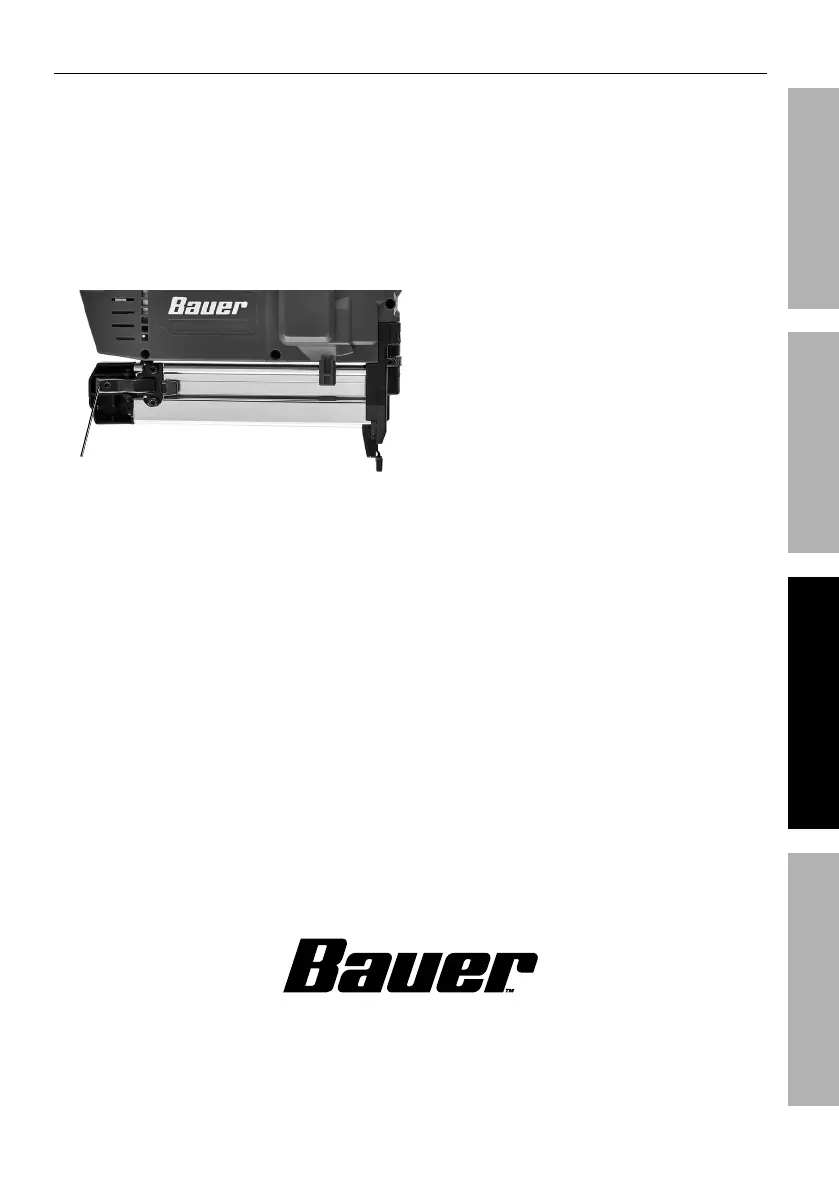
4. If a fastener is jammed in the Magazine,
open the Magazine by pressing the
release Latch and sliding it open.
Latch
5. Pull out the jammed fastener and the remainder
of the fastener strip that is still in the magazine.
Dispose of the remaining fastener strip; it may
be bent or damaged in some other way.
6. After removing and discarding jammed
staple, place new strip of staples into
magazine. Slide magazine cover shut.
7. If the jam has been corrected, the LED Indicator will
no longer be illuminated. If the LED is still flashing,
have the tool serviced by a trained technician.


 To Next Page