EasyManua.ls Logo

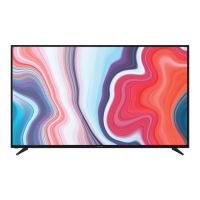
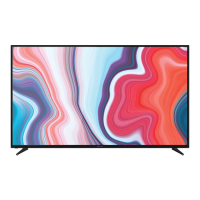
Bauhn ATV40FHDS-0720 - User Manual

Bauhn ATV40FHDS-0720
56 pages
Print Icon
To Next Page IconTo Next Page
Loading...
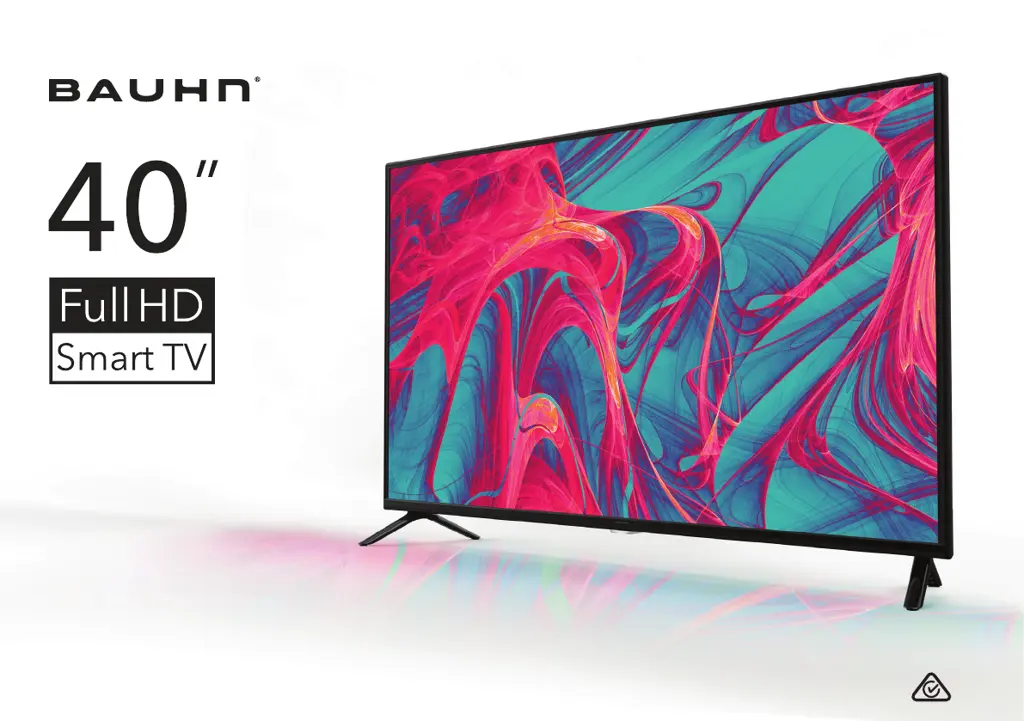
User Manual
MODEL: ATV40FHDS-0720
40

Other manuals for Bauhn ATV40FHDS-0720

Questions and Answers

  • P
    Pamela ClineAug 1, 2025
    How to fix a Bauhn ATV40FHDS-0720 that won't turn on?
    • G
      gfisherAug 1, 2025
      If your Bauhn Smart TV won't turn on, ensure the AC power cord is securely plugged into the wall outlet and that the outlet is switched on. Check if the power indicator at the bottom of the TV is lit. If you're using a multi-outlet, verify it's working correctly by plugging the TV directly into a wall outlet. Also, try using the power button located on the TV itself.
  • M
    Michael AndersonAug 6, 2025
    Why is there no internet connection on my Bauhn ATV40FHDS-0720 Smart TV?
    • R
      Randall SullivanAug 6, 2025
      If you're experiencing internet issues with your Bauhn Smart TV, and using Wi-Fi, double-check that the Wi-Fi password is entered correctly. Try turning your access point off, waiting two minutes, and then turning it back on. Ensure there are no obstructions between the TV and the access point, as appliances or walls can decrease Wi-Fi strength. Reduce interference by turning off other wireless devices. If Wi-Fi fails, connect the TV to the access point via a LAN cable (CAT 5 or higher). If a wired connection works, the issue is likely with the Wi-Fi access point; try a different one. If using a static IP, ensure network addresses are entered correctly. If the problem continues, contact your Internet Service Provider or modem manufacturer.
  • J
    Jonathan FranklinAug 10, 2025
    What to do if Smart apps are not working on Bauhn ATV40FHDS-0720 Smart TV?
    • M
      Madison ButlerAug 10, 2025
      If the smart apps on your Bauhn Smart TV aren't working properly, first ensure that the TV is connected to the internet with a high-speed connection for the best streaming quality. Check your streaming service subscription level. Unstable internet can cause delays or interruptions, and applications may close automatically. If this happens, verify your internet connection and try again.
  • T
    Timothy CohenAug 14, 2025
    Why is there no picture or sound from external device on Bauhn Smart TV?
    • J
      John VargasAug 14, 2025
      If you're getting no picture or sound, or distorted picture/sound from an external device connected to your Bauhn Smart TV, first ensure the connection to the device is correct and all cables are fully inserted. Remove and reconnect all cables connected to the TV and the external devices. If possible, try using new cables. Restart the connected devices by unplugging their power cords and plugging them back in. If 'No Signal' appears on the TV, make sure the correct input source has been selected.
  • B
    Brady PhillipsAug 22, 2025
    How to fix Bauhn ATV40FHDS-0720 remote control when it is not working?
    • J
      Jonathan FernandezAug 23, 2025
      If the remote control for your Bauhn Smart TV isn't working, make sure the batteries are installed correctly, with the poles (+/–) in the right direction. Remove any obstructions between the remote and the remote control sensor on the TV. Check if the power indicator at the bottom of the TV blinks when you press the remote's power button; if not, replace the batteries. Try pointing the remote directly at the remote control sensor from about 1.5-1.8 meters away.
  • A
    Angel MurrayAug 27, 2025
    What to do if USB device is not recognized by Bauhn ATV40FHDS-0720?
    • R
      Raymond BrownAug 27, 2025
      If your Bauhn Smart TV isn't recognizing a USB storage device or media files aren't playing correctly, note that while the TV has been tested with many devices, it may not be compatible with all. If the external hard drive has its own power adapter, use it. Only use a USB storage device formatted in a FAT32 file system provided with Windows. If formatted by another utility, it may not be recognized. Avoid using a USB extension cable. Files using unsupported codecs or containers won't play, and some files may have errors. Certain encoded files or those with bit rates/frame rates above the TV’s compatibility may not play.
  • D
    dana55Nov 18, 2025
    How to resolve no, distorted, or delayed sound on Bauhn ATV40FHDS-0720 Smart TV?
    • A
      Amy BarnettNov 18, 2025
      If you are experiencing no, distorted, or delayed sound on your Bauhn Smart TV, ensure the volume is not muted; if it is, press the VOL+ button. Disconnect any earphones that are plugged in. Make sure the connection to any external audio device is correct and that all cables are fully inserted. Verify that the correct input source and audio settings have been selected on the external audio device. Move the TV away from electronic equipment that could cause interference. If using an external audio device via HDMI, ensure it supports HDMI-ARC and the ARC setting is on (refer to its manual). On the TV, ensure Menu > System > HDMI-CEC > ARC setting is turned On. If using an external audio device, check that the Menu > Sound > S/PDIF Mode setting is set to "PCM". If the TV sound is not synchron...

Summary

Unpack and Prepare

Whats in the box

Lists all items included in the TV package and necessary tools.

Important Tips

Key advice for safe and optimal placement and handling of the TV.

Attaching the stand

Step-by-step guide for securely attaching the TV stand legs.

Wall-mounting the TV

Instructions and requirements for mounting the TV on a wall.

Controls and Connections

Ports on the TV

Identification and function of all input and output ports on the TV.

Remote Control

On-Screen Set Up

Networking

Smart TV Features

Recording and Media Playback

Recording Live TV

Guide to recording free-to-air TV programs using a USB device.

Pause Live TV (Time-shift)

How to temporarily pause and resume live TV broadcasts.

Troubleshooting

Common TV Issues

Solutions for problems like remote not working or no picture/sound.

Internet and USB Problems

Solutions for intermittent internet and unrecognized USB devices.

Specifications

Warranty Information

Customer Support

Bauhn ATV40FHDS-0720 Specifications

General IconGeneral
BrandBauhn
ModelATV40FHDS-0720
CategorySmart TV
LanguageEnglish

Related product manuals