2.Operation Instruction
2
Dishwasher Features
before using it for the firs t time.
To get the best performance from your dishwasher, read all operating instructions
IMPORTANT
Control Panel
1
2
4
5
3
6
7
9 10
11
8
7
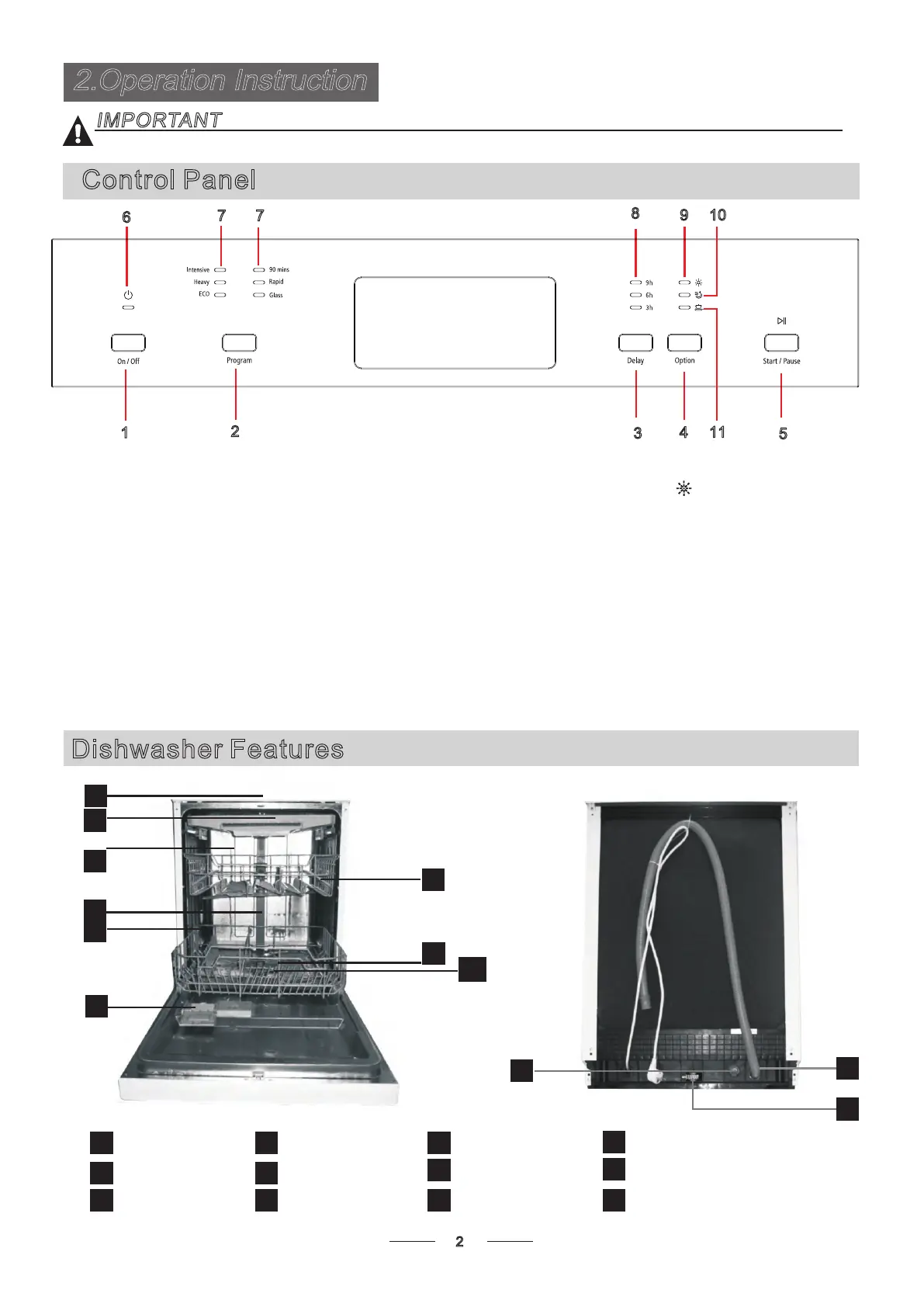
1.On/Off Button:To turn on/ off the power supply.
2. Program Button: Press the button to select washing program
3.Delay Button: Press the button to delay the washing time.
4.Option Button: to select Extra Drying or Power Wash
function.
5.Start/Pause Button: To start the selected washing program
or pause the washing program when the machine is working;
6. Power indicator: To show when the power is on.
9. Rinse Aid Indicator:
needs to be refilled.
To be on when dispenser
10
11
1
2
3
4
5
6
7
8
9
Back View
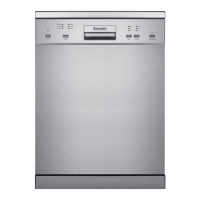
Front view
Lower basket
Upper basket
Cutlery rack
Top spray arm
1
Inner pipe
5
Dispenser
6
Cup shelf
Spray arms
7
8
Inlet pipe connector
Drain pipe
11
10
3
2
4
12
Adjuster
12
Filter assembly
9
7. Program indicators: to show which program
you have selected: Intensive, Heavy, ECO,
90 min, Rapid and Glass.
10 Extra Drying Indicator: An increased temperature
during the final rinse to increase drying. There is a
slight increase in the energy consumption
.
.
11. Power wash indicator: Strong wash helps to
o
increase the washing effect of dishwasher by 3-5
increase on wash and rinse process, and one
more cycle for rinse, to wash heavily soiled dishes.
And it can be used with Intensive ,Heavy ,ECO ,
Glass and 90mins program. There is a slight
increase in the energ
y and water consumption.
8. Delay indicators: to show the delay time
(3h/6h/9h)


 To Next Page