28
A
A
U
U
T
T
O
O
-
-
F
F
U
U
N
N
C
C
T
T
I
I
O
O
N
N
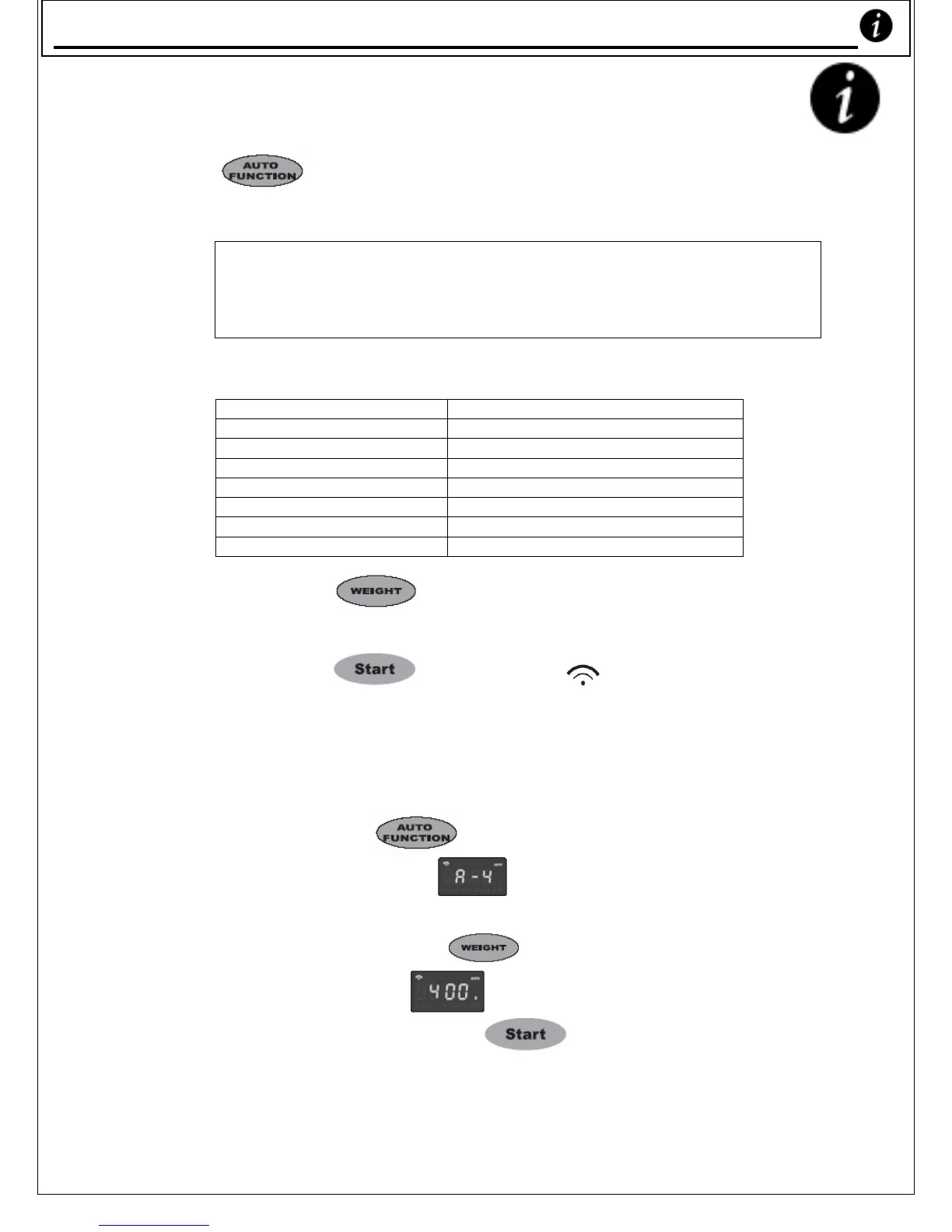
Press ‘ ’ repeatedly to select foods shown on
the cooking guide of the surface panel.
Note:
Your Microwave Oven has 8 Automatic Function (‘Auto-
function’) buttons. These are for Microwave only (therefore
do not include the grill).
Auto-Function features:
A1 Auto Reheat
A2 Rice Cook
A3 Vegetables
A4 Chicken
A5 Meat
A6 Reheat Bread
A7 Instant Noodles
A8 Congee/Porridge
9 Press ‘ ’ button to select different
weights.
9 Press ‘ ’ button - ‘ ’ flashes to
indicate that cooking has begun.
Example: To cook a 400g chicken
9 Press ‘
’ repeatedly until the
LED reads ‘
’ (as shown on the
cooking guide on the surface panel),
then press ‘
’ until the LED
displays ‘
’.
9 Finally, press ‘
’ to begin
cooking.
Auto-Function Cookin










 To Next Page