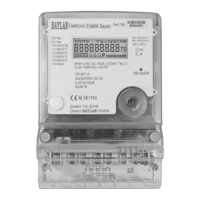
Menu List (User Loop)
Pressing the button and hold it on for 5 seconds at the cumulative heat
consumption screen will change the menu to ‘A2: Monthly Value’.
Pressing the button and hold it on for 5 seconds at the any other screens will
change the menu to ‘A3:Test Mode’.
For turning back to ‘A1: Main Menu’ press the button and hold it on for 5
seconds while the menu at A1 or A2.
Information Screen
Accumulated heat consumption
Instant Power
Water-in temperature
Water-out temperature


 To Next Page
 Loading...