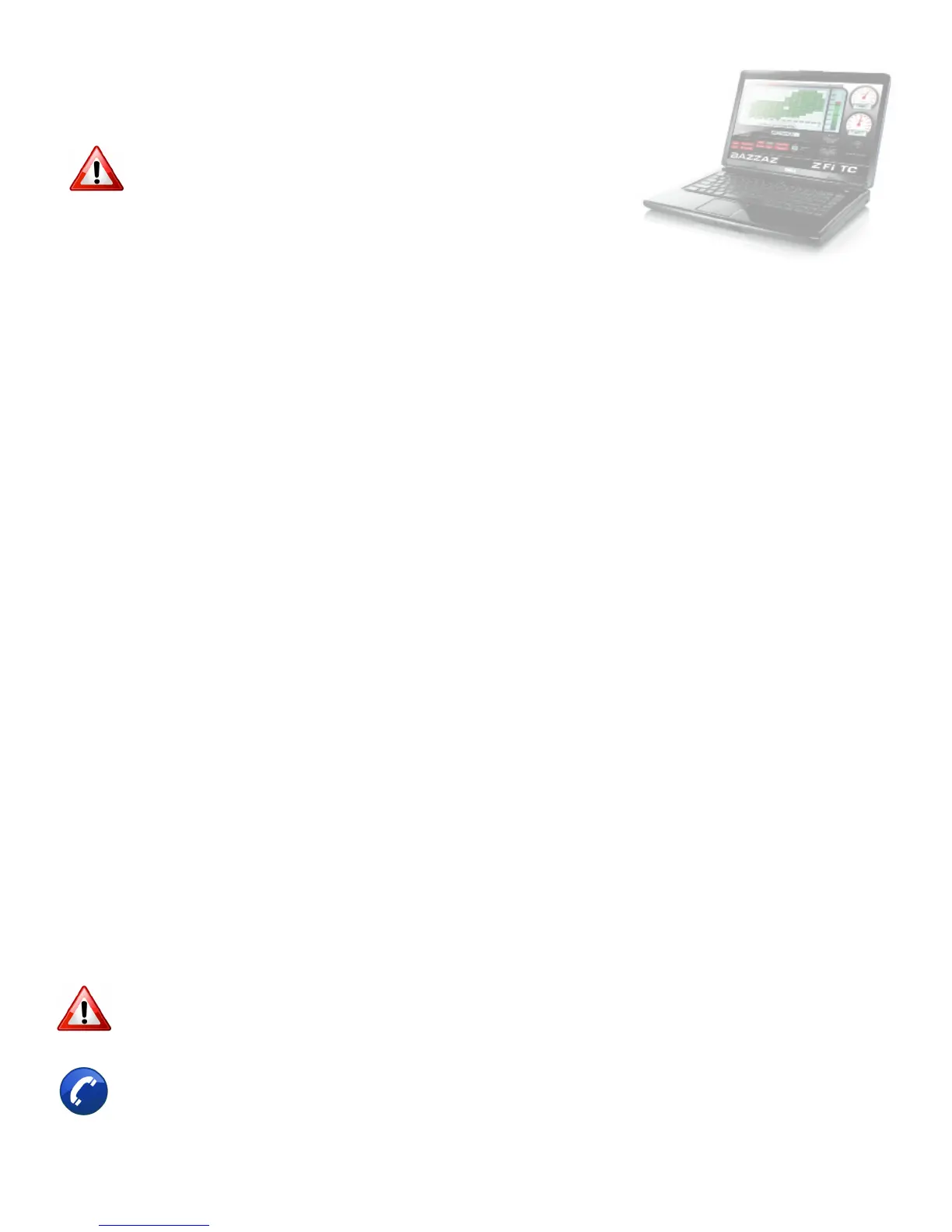
Also use software to:
• View and/or make adjustments to fuel maps
• Activate Z-AFM self mapper (sold separately)
• Save and load new fuel maps
• Re-calibrate throttle position sensor after throttle modications
• View diagnostics for troubleshooting
• Change quickshift settings
• Make traction control adjustments
If any problem is found, please carefully follow through the
installation steps again.
• Factory support is available in the US at 909-597-8300.
• For fastest support outside of the US, nd your local importer at bazzaz.net
If problem still persists, please contact Bazzaz tech support
10>CHECK
1. In order to check that the system is installed correctly, download the
Bazzaz Z-Fi Mapper software at bazzaz.net.
2. Plug the USB cable into the control unit and computer.
3. Locate and open the Z-Fi Mapper software.
4. Check that the pre-programmed map matches the model of your bike on
the fuel map page within the software. You can switch from map 1 to map
2 by unplugging the map select jumper on the Bazzaz fuel harness. Map 1
will be pre-programmed; depending on your model, there may be a pre-
programmed map in the map 2 slot. If map 2 is blank, stock ECU settings
are used. Make sure that the jumper is left plugged in or unplugged,
depending on which map you choose.
5. Start the vehicle and begin to check that the following inputs read
correctly on the fuel map page.
• RPM - Make sure that the RPM is reading near what the vehicle is idling
at.
• GPS - The vehicle should read neutral (or whichever gear it is in). For
motorcycles that use a Gear Position Sensor, the bike does not need
to be running to do this. For motorcycles that use a speed sensor, the
wheel must be spinning to read gear properly. This can be checked
on a dynamometer or by using a rear stand. Use caution when testing
componentry.
• TPS - When throttle is applied, the TPS should read accordingly. Fly-



 To Next Page