al V2 Aug 11
10
Test Mode
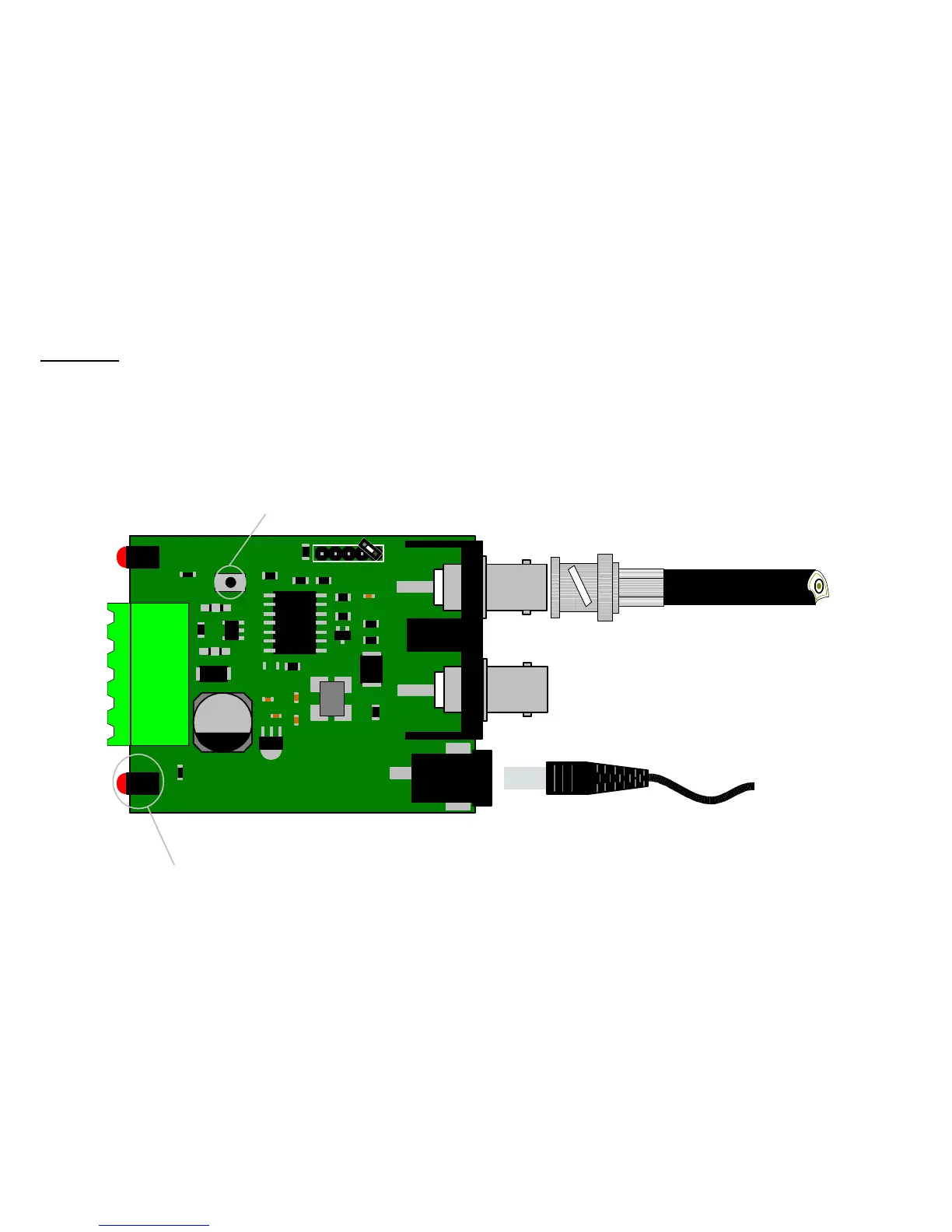
There will be occasions where it will be necessary to test if the CTI/1 is sending coax telemetry to the camera or receiver
connected to the remote end of the coax. As you will see from the drawing below only one coax is needed to be connected.
This is the coax from the camera or receiver. The test can be done by simply pressing the push switch marked as SW1 on
the PCB. When the switch is pressed the camera or receiver will receive a pan right a half speed, on release of the switch a
stop will be sent. It is important to remember that if the camera or receiver is fully zoomed it may reduce the overall pan
speed.
BBV
COAX TX
REG1
PCB08007 ISS2
J3
www.bbvcctv.com
PWR
SW1
X1
TV1
J1
J2
TF2
Video Out
to transmitter
Video In
from camera
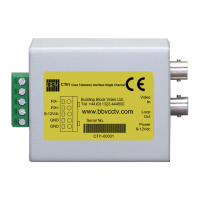
Video in
Supply
9-12Vdc
Test sw.
Coax telemetry active LED
CTI 1 Manu


 To Next Page