CTI 1 Manual V2 Aug 11 8
Address Setting Procedure
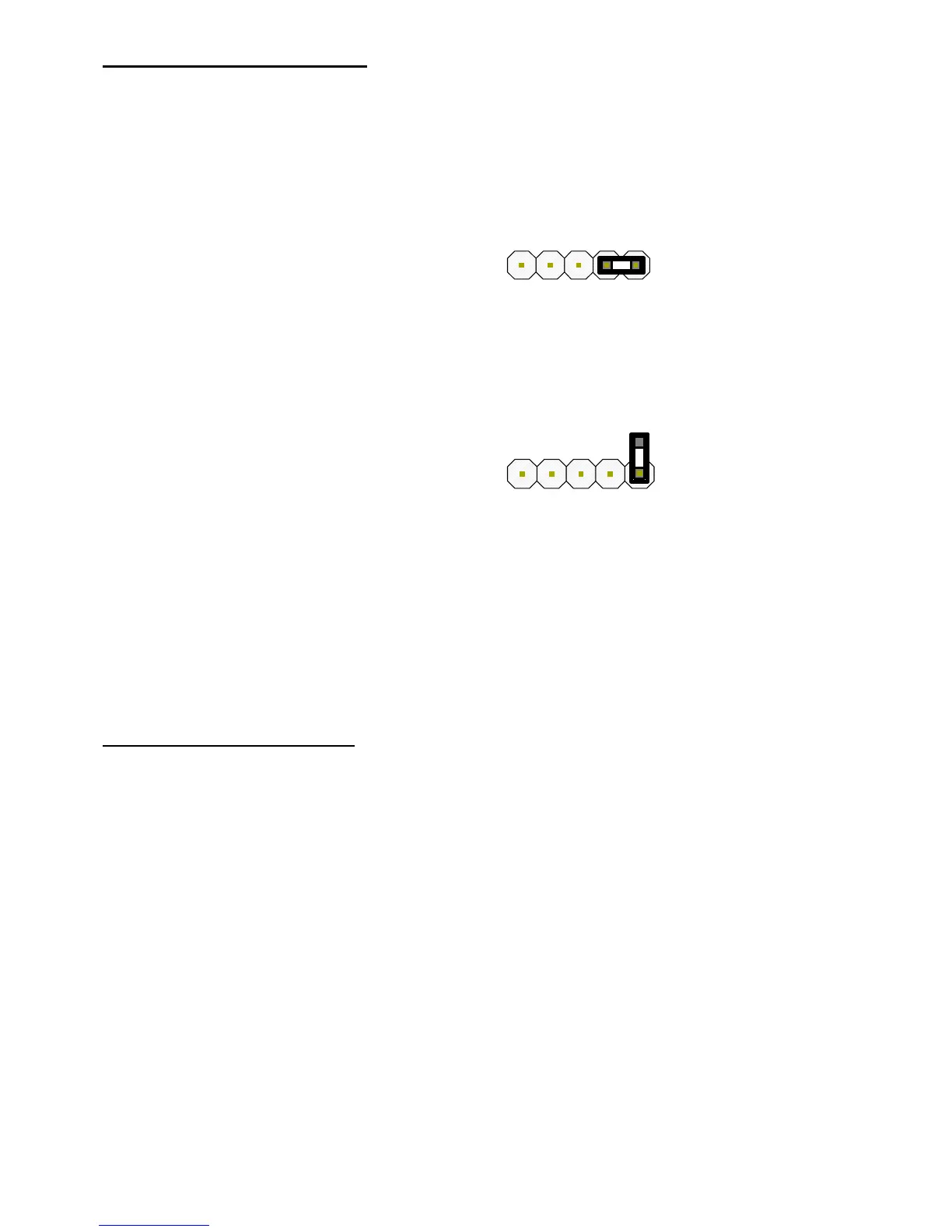
The CTI/1 is defaulted to address 1, to set a new address follow the steps below:
Step Action
1 Remove Power and Plastic Cover
2 Fit Jumper Link to J3 Pins 4 & 5
3 Apply Power
4
Press & Hold SW1 Address Button until the Power LED flashes the required number of
times to match the address. (1 – 8 Flashes followed by longer pause)
5 Remove Jumper on J3Link
6 Remove Power
7 Refit Plastic Cover & Re-apply Power
Function Command Table
BBV support a number of commands that are referred to as # commands these are used to enter the menu of
the camera or receiver. In addition BBV coax telemetry also supports 2 preset patrols & an Autopan command,
all of the fore-mentioned commands can be called from preset commands these are all listed below.
BBV Coax Output BBV RS422 Pelco P 9600 N 8 1
1# 1# Save Preset 95 or Goto Preset 61
2# 2# Goto Preset 33 or Goto Preset 62
3# 3# Goto Preset 94 or Goto Preset 63
4# 4# Goto Preset 34 or Goto Preset 64
Start Patrol 1 Start Patrol 1 Goto Preset 97 or Goto Preset 66
Start Patrol 2 Start Patrol 2 Goto Preset 98 or Goto Preset 67
Autopan Autopan Goto Preset 99 or Goto Preset 68


 To Next Page