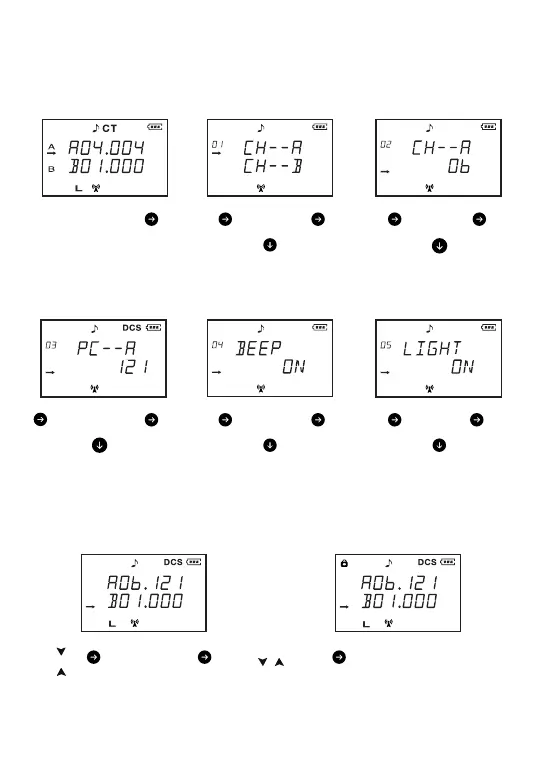
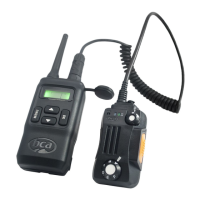
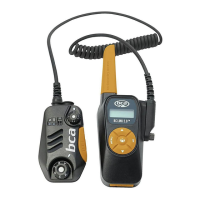
User Interface
This chapter describes how to use basic functions on your BC Link Mini.
Press
MENU
Press
MENU
Press
MENU
Press
MENU
Press
MENU
Choose
Preset B
*arrow designates Transmit Channel
Lock
Preset B
*arrow designates Transmit Channel
*Lock Icon pops up when keys are locked
Choose
Preset
*arrow designates Transmit Channel
6
ON
or
OFF
LIGHT
Function
*Use up and down arrows to turn on/o
BEEP
Function
*Use up and down arrows to turn on/o
ON
or
OFF
Set
Privacy Code
*Use up and down arrows to scroll to desired PC
*PC 1-121 will relate to Frequency Chart
*CT Icon pops up for privacy codes 1-38. DCS
Icon pops up for privacy codes 39-121.
Select
1-121
Select
1-22
Set
Channel
*Use up and down arrows to scroll to desired CH
*CH 1-22 will relate to Frequency Chart
Set
Channel
*Use up and down arrows to choose CH A/B
Channel A
or
Channel B
Hold
or
Hold
Hold down
/
simultaneously (3s)


 To Next Page