Chapter 2: System overview 13
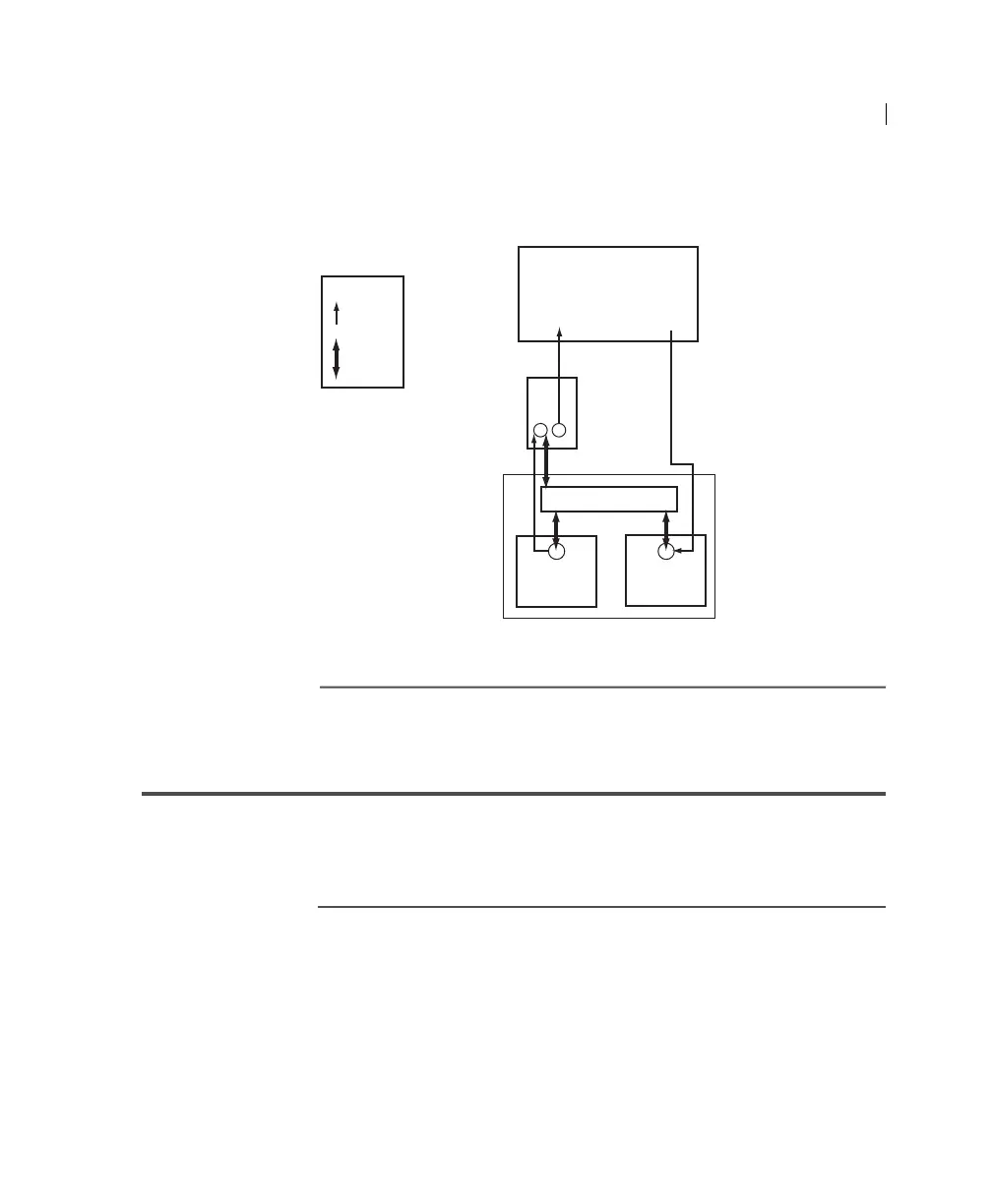
The following diagram illustrates the flow of information and fluid
between the cytometer and the BD FACSFlow supply system.
Control panel
Introduction This topic describes the location and function of the controls and
indicators on the control panel. You can access and monitor all of
the BD FACSFlow supply system functions from the control panel.
Control buttons The following figure and table show the location of the control
buttons and describe their functions.
Cytometer
Legend
= Fluid
= Sensor
Sheath
plenum
To
flow
cell
From
flow
cell
Control panel
BD FACSFlow
supply system
Sheath
cubitainer
Waste
cubitainer



 To Next Page