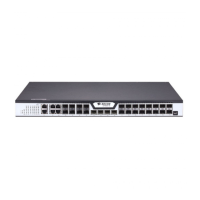
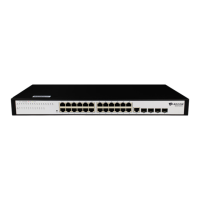
BDCOM S2528-C Hardware Installation Manual
- 17 -
When the indicator is always
on, the system is being started
up.
When the indicator flickers, the
system works well.
When the switch is powered on,
the indicator is on.
If the indicator is always on, it
means that the connection is
linked.
If the indicator is off, the port is
not connected.
Copyright Claims
Without the written approval of the company , any person or group cannot
transcribe, copy or change partial or all contents of this manual, and must not
broadcast it in any manner.
Trademark claims
Trademarks, product names, service names and company names, which are
written in this manual but do not belong to the company, belong to their owners
respectively.
Disclaimer of warranty
provides no evident or hinted guarantee towards the contents of this manual. In no
event, except for the company
’
s breach of law, shall the company be liable for
incidental, consequential, indirect or special damages of any kind or for loss of
profits or revenue or loss of business arising out of or relating to this manual.
Note: Customer shall not be notified of this manual’s content amendments.


 To Previous Page