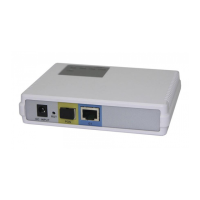
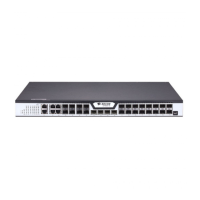
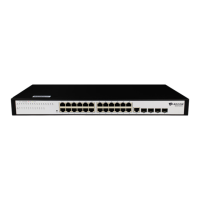
BDCOM S2528-C Hardware Installation Manual
- 2 -
Keep the device powered on, press the
button “Reset” for 6s, and the system will
return to the default setting.
It can be used to connect a computer or
a terminal for monitoring and configuring
the switch.
Gigabit optical port
25S-28S
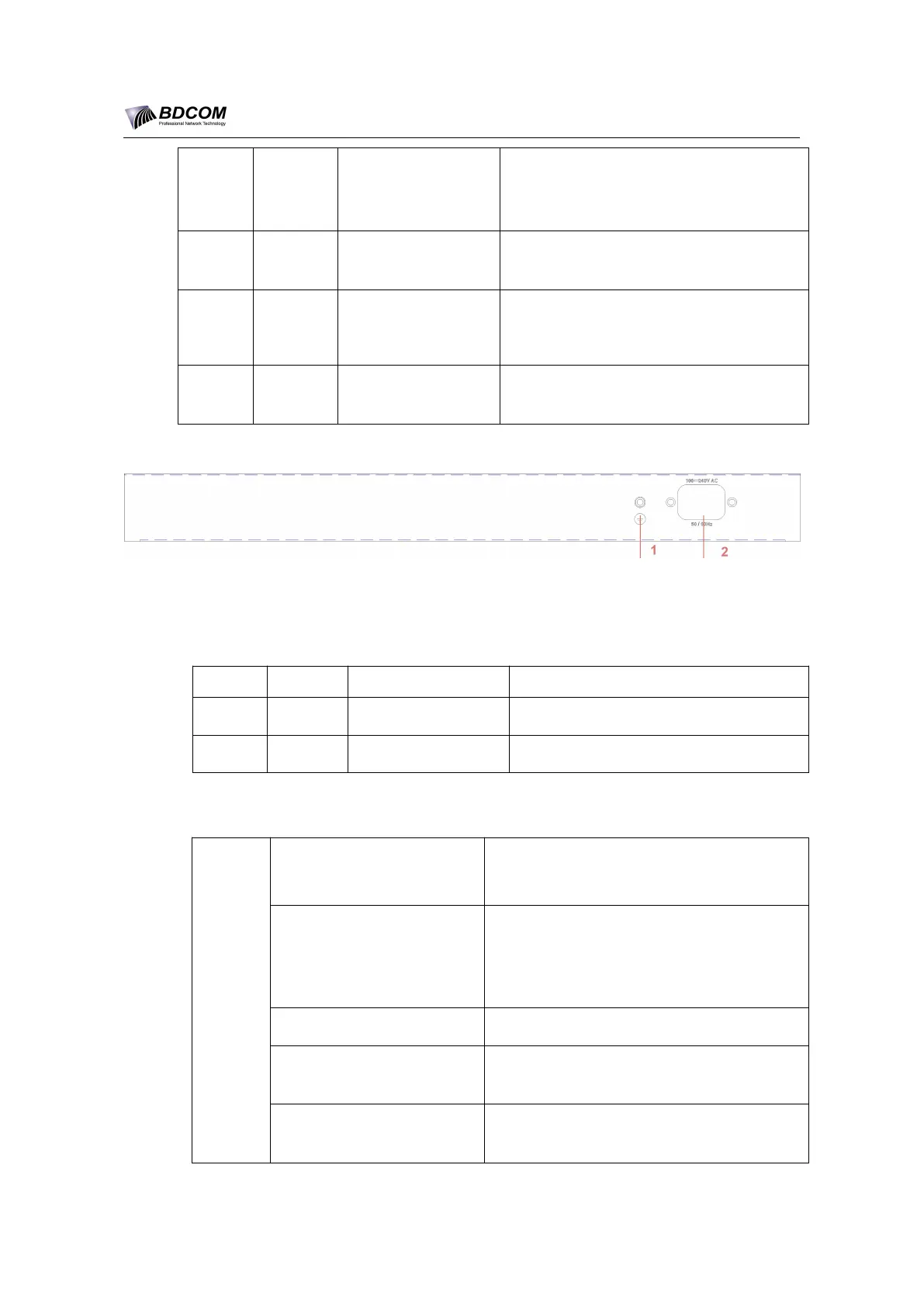
Figure 1- 2 Back template of the BDCOM S2528-C switch
Table 1- 3 Parts at the back template of the BDCOM S2528-C switch
The grounding must be fine.
1.2 BDCOM S2528-C Systematic Characteristic Parameters
Flash: 16M Bytes;
Memory: 128M Bytes;
24 gigabit TX ports;
4 gigabit GSFP ports
1 CLI port
Operating temperature/
humidity
0℃~45℃; 10%~90% non-condensing
Storage temperature/
humidity
-40℃~70℃; 5%~90% non-condensing


 To Next Page