BDCOM S2528-C Hardware Installation Manual
- 1 -
Chapter 1 BDCOM S2528-C Introduction
The section describes the characteristics and parameters of BDCOM S2528-C and
gives an overview of BDCOM S2528-C.
1.1 Appearance Description for Standard Configuration
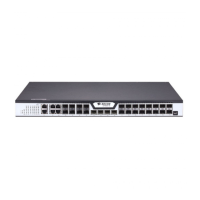
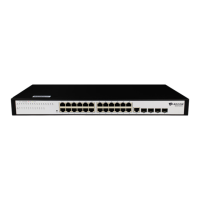
The built-in ports of BDCOM S2528-C are: 24 gigabit TX ports and 4 GSFP. See
table 1-1.
Table 1- 1 Attributes of the built-in port
RJ45 interface, with LINK/ACT/Speed indicator
GSFP interface, with LINK/ACT indicator
A rate of 9600bps, RJ45 interface
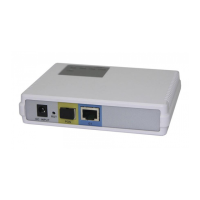
Besides, BDCOM S2528-C switch has one grounding column and one power input at its
back.
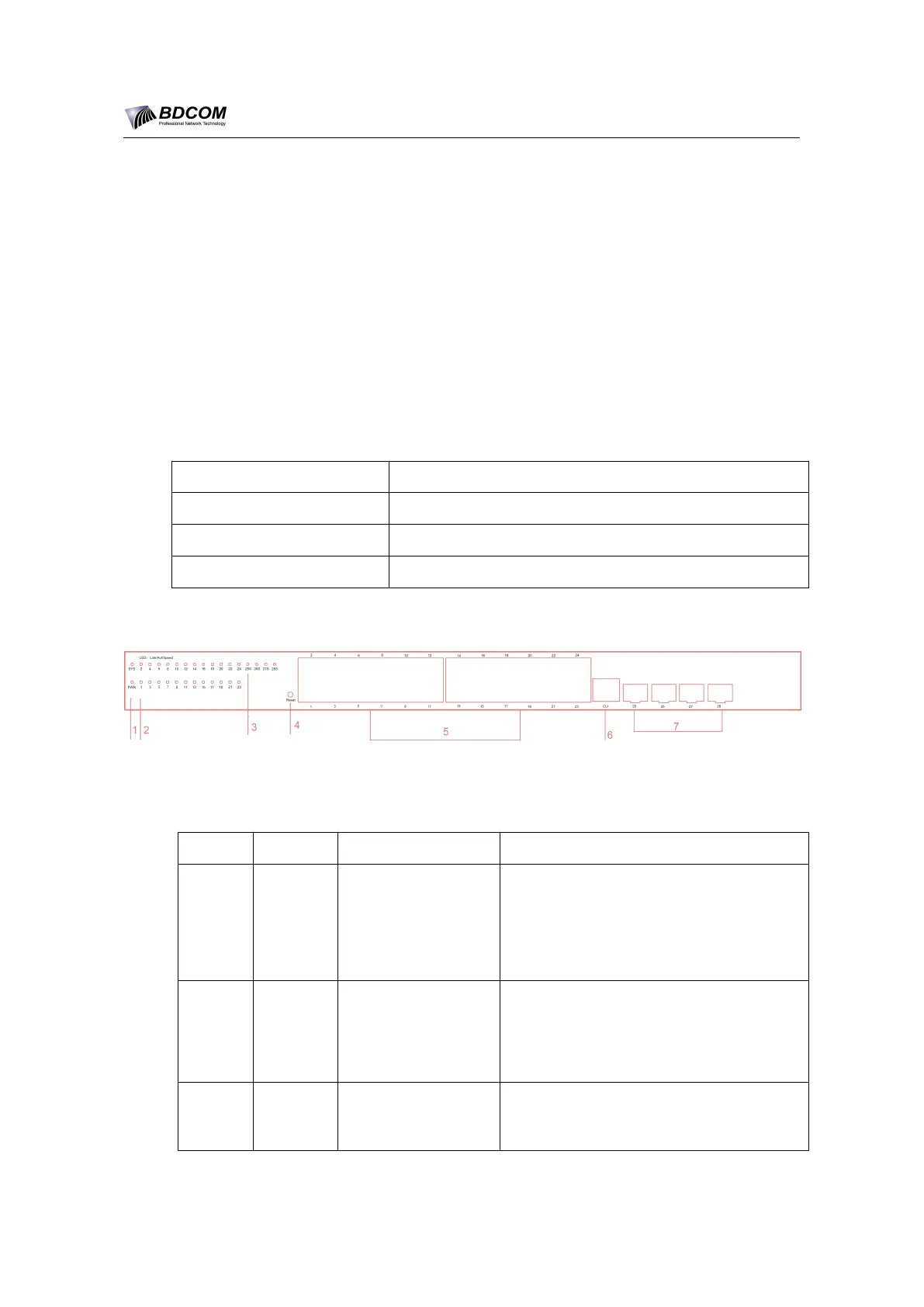
Figure 1- 1 Front template of the BDCOM S2528-C switch
Table 1- 2 Parts at the front template of the BDCOM S2528-C switch
Power indicator &
System indicator
If the switch is powered on, the indicator
is on.
If the switch is started, the system
indicator flickers.
Link/Act indicator
on each port
Always on in orange: 10/100M
Always on in green: 1000M
Off: no signal transmission
Link/Act indicator
on GSFP port
Always on in green: 1000M
Off: no signal transmission


 To Next Page