BDCOM S2528-C Hardware Installation Manual
- 11 -
3.3.2 Connecting GSFP ports
BDCOM S2528-C provides 4 gigabit GSFP ports, and their corresponding
indicators are
25S~28S
. The ports can connect other GSFP modules through the
fiber to other Ethernet terminal devices.
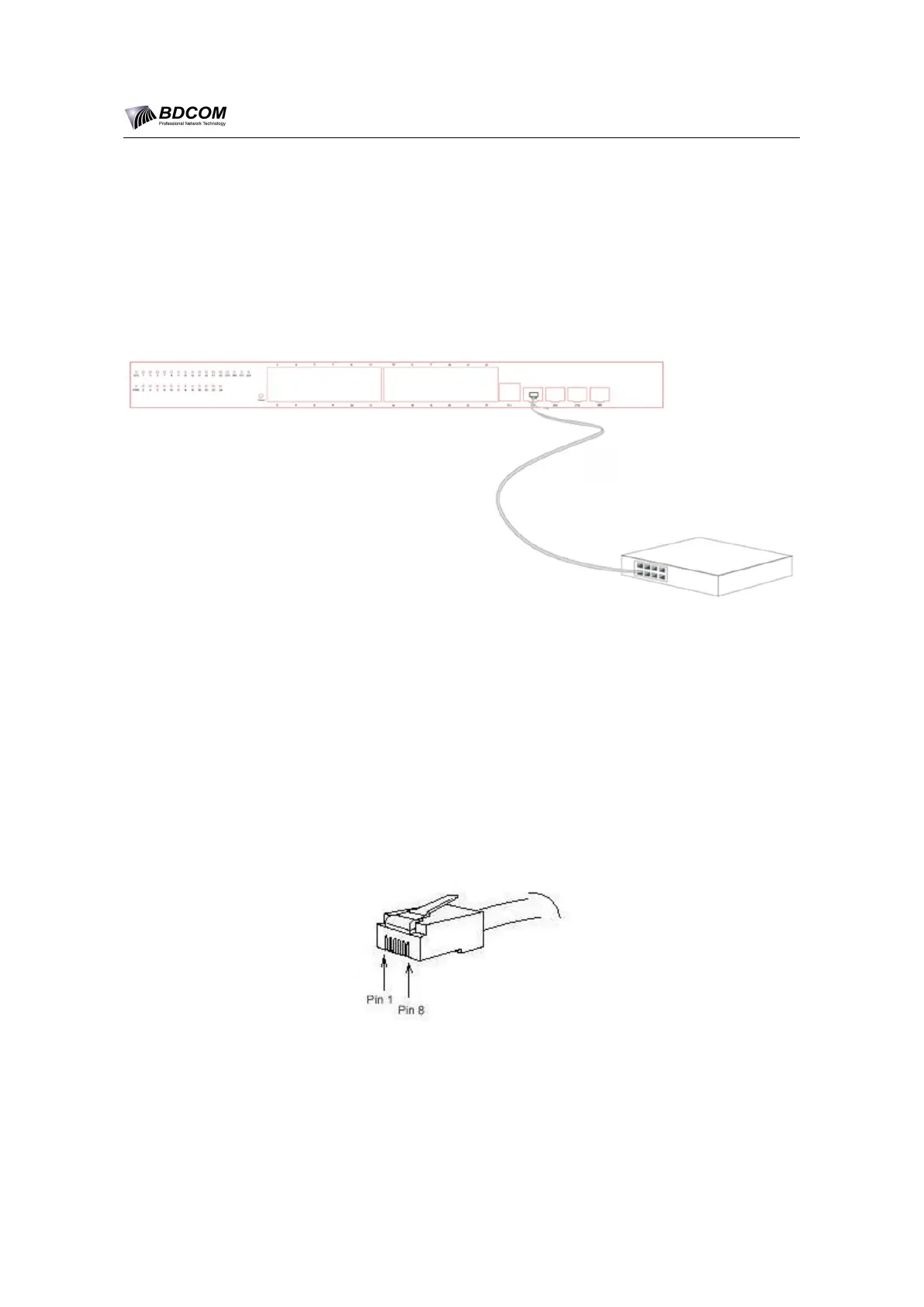
Figure 3-5 Connecting the 1000M Base-TX port and other Ethernet terminals
3.3.3 Connecting Ethernet TX Ports
The BDCOM S2528-C switch has 24 10/100/1000Base-T ports and their
corresponding indicators 1 to 8, used for indicating the state of port
Link/ACT/Speed. To use the electrical port, you can connect the electrical port and
other Ethernet devices with the direct-through or cross cable through the UTP port.
In this case, the corresponding optical port cannot be used. The numbering order of
the pins in the UTP port is the same as the console port.
Figure 3-6 RJ-45 connector of the console port


 To Next Page