22
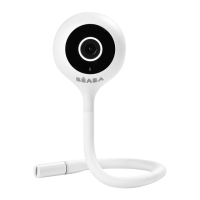
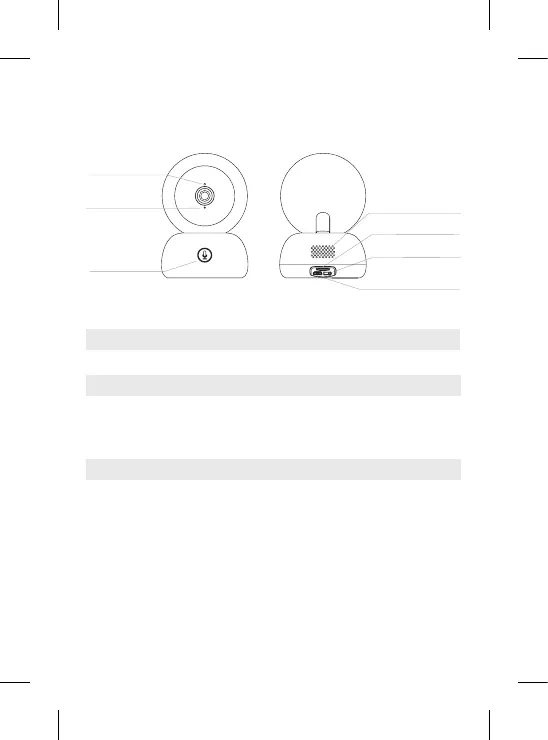
IV. DESCRIPTION CAMERA – CHILD UNIT
Light
Microphone
Slot for SD* card
Slot for SD* card
Light
Reset
5V/ 1A DC
Compatible with a SD* card (max 128 Go)
Press the button to call (notication on mobile app); long press to pair
Press and hold for 5 seconds with the reset pin to reset the camera (if
you have modied the settings, the default settings will be restored)
Loudspeakers
Reset button
Micro USB
power port
Slot for SD card*
Pairing
& call button
Call/Pair
Microphone
Capture sound from your video
• Continuous red light: the network is not working properly
• Flashing red light: wait for the camera to connect (ashes slowly)
• Continuous blue light: the camera is working normally


 To Next Page
 Loading...