26
n
VIII. CONNECTING
Connect the camera to the telephone
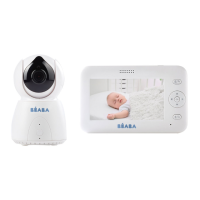
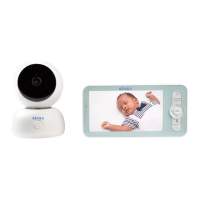
Plug in the camera and switch on the receiver, By default the camera is paired with the receiver, if
the camera does not appear, follow the procedure described below. The operating distance of the
monitor is limited and depends on the nature of the walls in the house as well as the distance. If
the range is insuf cient in some rooms, use the application on a smartphone to access the camera
from anywhere.
Step 1:
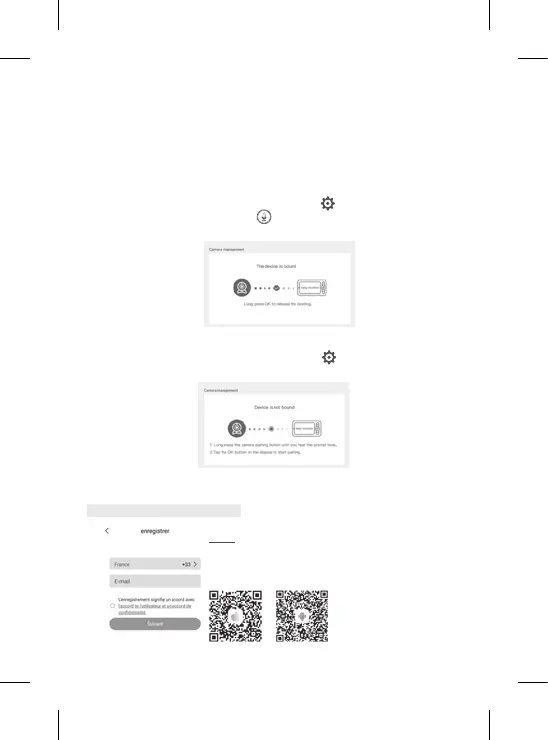
Open the BEABA ZEN CONNECT app and select “REGISTER”. Enter a
valid email address and accept the general terms and conditions of
use. Then press “NEXT”.
• Reconnect the camera to the receiver
1. Press the Menu button on the display screen, then select
> Manage cameras.
2. Press and hold the pairing & call button
until you hear a short sound.
3. Press the OK button on the receiver to start pairing.
• To disconnect the camera from the receiver:
1. Press the Menu button on the display screen, then select
> Manage cameras.
2. Press and hold the OK button on the display screen to stop the connection.


 To Next Page