28
.
Photo & Video*
You can adjust the camera’s position using the receiver or the mobile app. On the receiver using the
direction buttons, on the mobile app with the «Rotation» button.
Take a photo:
You can take a photo when you want to keep a picture of your baby.
Press the Menu button on the display screen, then select
and press OK to take a photo.
Record a video:
You can record a video when you want to save a special moment of your baby.
Press the Menu button on the display screen, then select
and press OK to record a video.
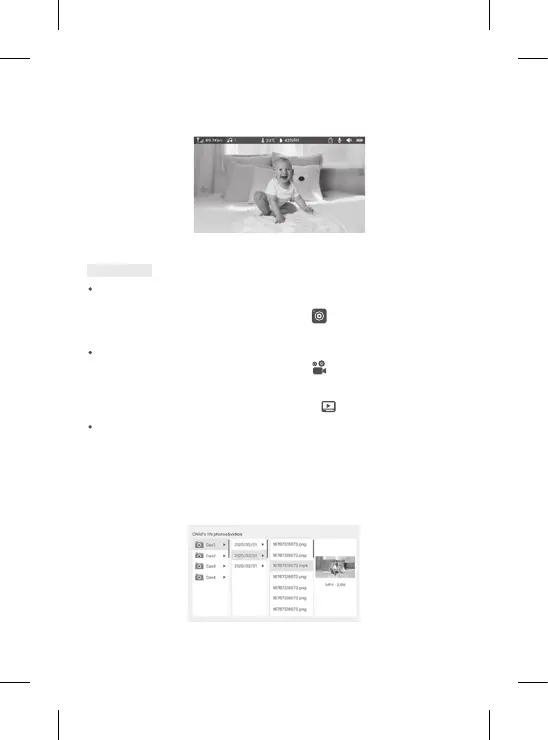
View the photos and videos taken:
1. Press the Menu button on the display screen, then select
and press OK to enter the
interface. (function only available with a SD* card)
2. Select the camera and the date, then the photo or video you want to view, and press OK to
enter the viewing mode.
For a video, press OK to read it or pause it in viewing mode.
Press the back button to quit viewing mode and return to the main menu.
*
These options are available only if you insert a SD* card in the slot on the receiver provided for this purpose. Micro SD* card
not supplied.
IX. PARENT UNIT INTERFACE (RECEIVER)


 To Next Page
 Loading...