29
Play music
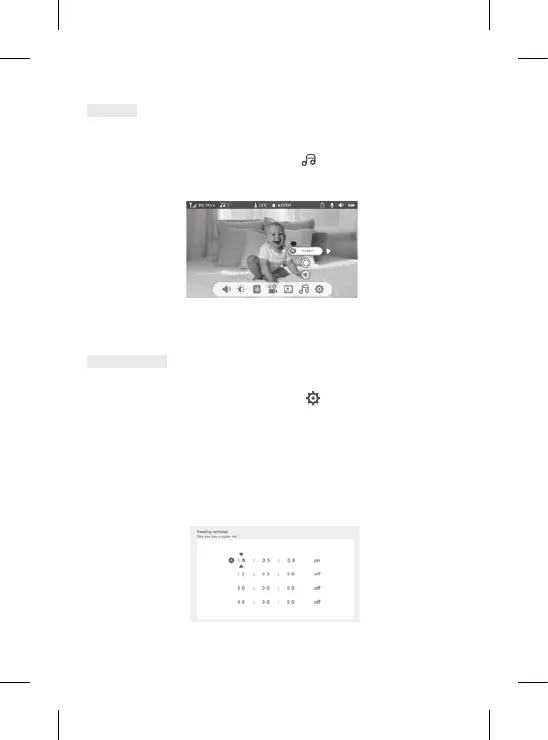
Feeding Reminder
You can add meal reminders.
1. Press the Menu button on the display screen and select
> Feeding Reminder
2. Press the direction buttons and select one of the 4 time options. Press OK to start setting the time.
3. To set meal reminders, press the left and right and up and down buttons to update the hours,
minutes and seconds.
4. Press OK to save the settings.
5. You can activate or deactivate meal reminders. You can also de ne up to 4 meal reminders a day.
When the programmed time is over, an noti cation is displayed on the screen.
You can play music to soothe your baby.
Several pieces of gentle music are available.
Press the Menu button on the display screen, then select
and press OK to enter the interface.
You can select different music, change music, the music cycle and adjust the music’s volume


 To Next Page
 Loading...