13
•
When the depth range is set to automatic, if press the ENT key, the system
will automatically adjust the position of the Zoom Preview Box based on the
underwater depth reading. At this point, you cannot manually adjust the
position of the zoom preview box.
There are 3 tabs in the menu system:
"Sonar", "Setup" and "Advanced". You can press the Menu Key to switch
between different menu tabs.
•
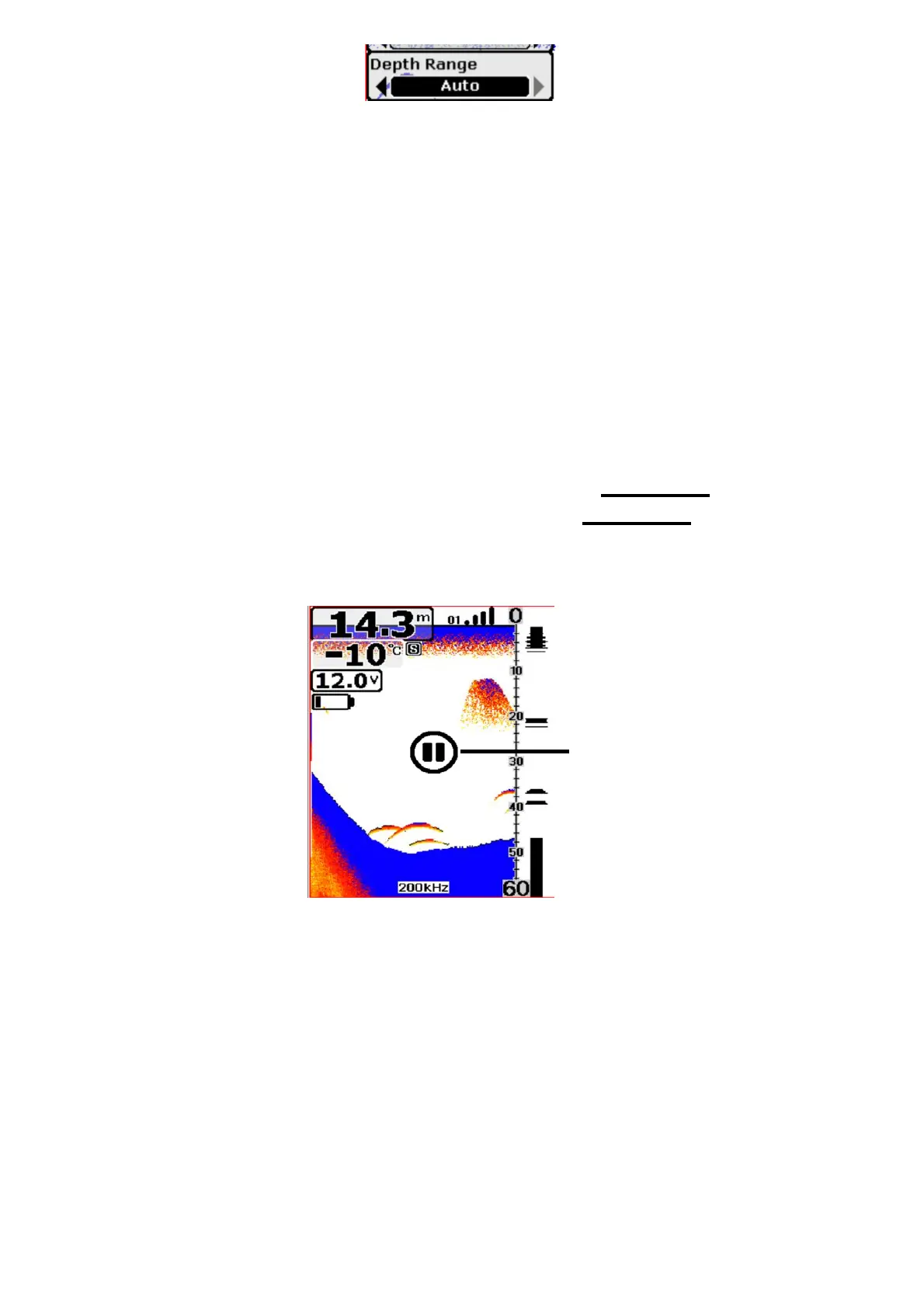
When the unit starts working, you can press the Power Key to stop the
screen chart in the main screen, then press the Power Key again and the
screen chart will be recovered.


 To Next Page