21
o
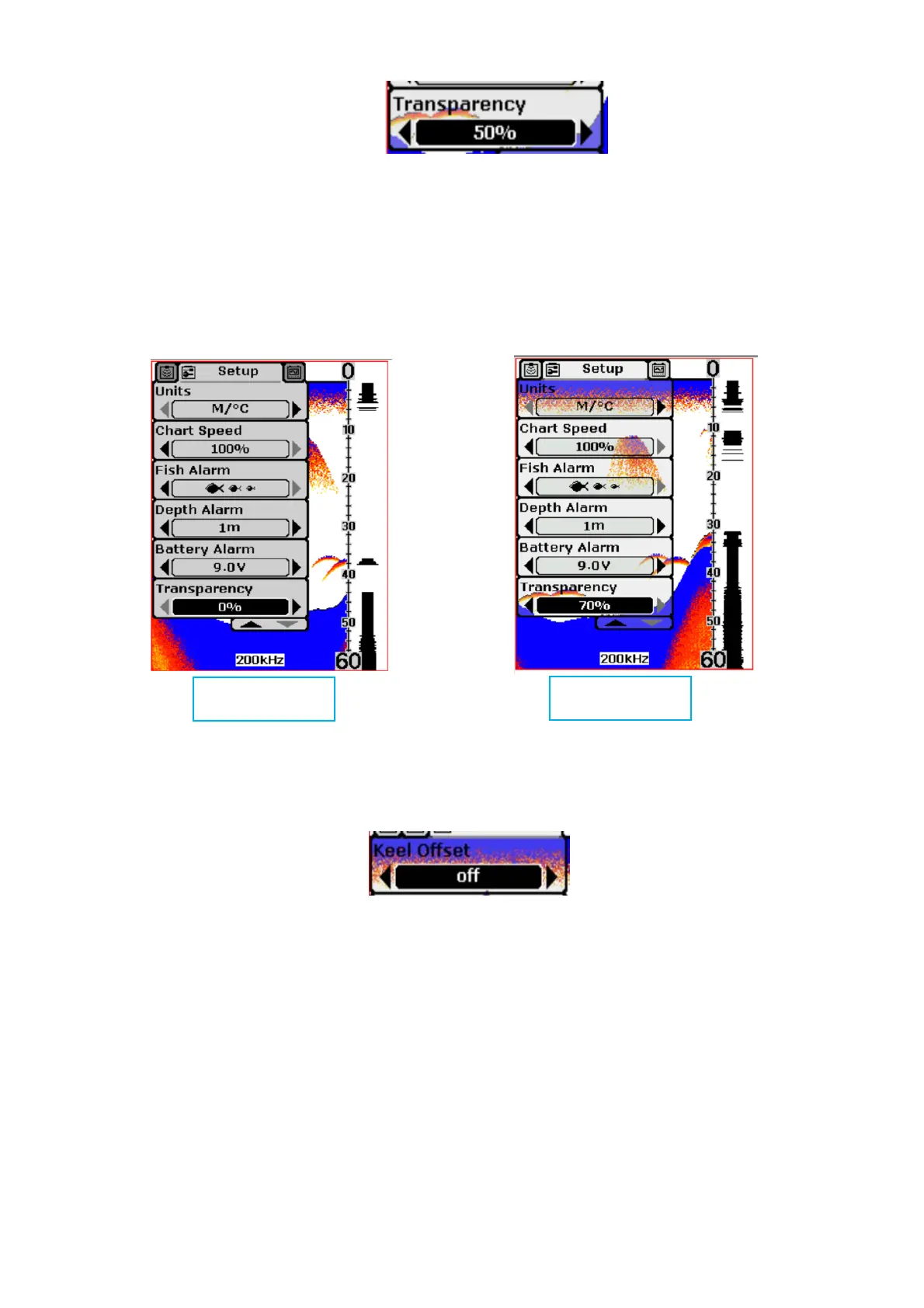
Settings: “0%” to “70%”
Transparency setting allows you to change the transparency of the dialog
boxes so you can see through the dialog box.
•
o
Settings: “Off ”, “9ft” to “+9ft” (“-3m” to “+3m”)
Keel Offset will adjust the digital depth readout to indicate depth from the
waterline or boat's keel.
Enter a positive vertical measurement from the transducer to the waterline to
read the depth from the waterline. Enter a negative vertical measurement
from the transducer to keel to read the depth from the keel.


 To Next Page