22
o
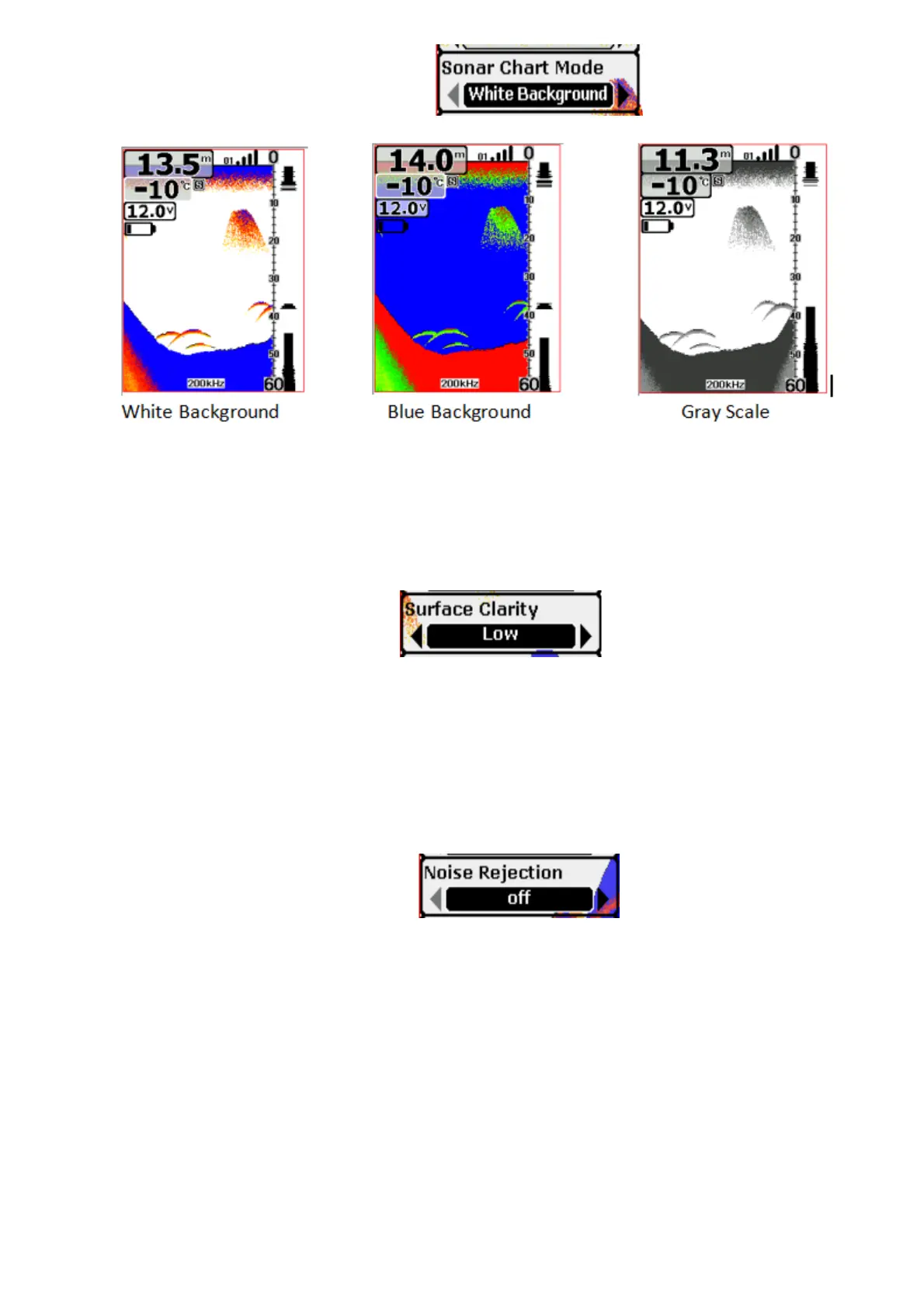
Settings: “White Background”, “Blue Background”, “Gray Scale”
You can change the Sonar Chart Mode to suit your viewing preferences.
o
Settings: “Off ”, “High”, “Medium”, “Low”
Surface Clarity adjusts the filter that removes surface clutter noise caused by
algae and aeration. The lower the setting, the more surface clutter will be
displayed.
o
Settings: “Off ”, “High”, “Medium”, “Low”
The Noise Rejection system built into the sonar unit that constantly evaluates
the effects of boat speed, water conditions and interference.
This automatic feature gives you the best display possible under most
conditions.
If you have high noise levels, try using the “High” setting. However, if you are
having trouble with noise, we suggest that you take steps to find the


 To Next Page