22 English
If the aempt to receive a signal fails, then the weather staon stops scanning. The
DCF symbol disappears from the display.
You can re-acvate the scanning by pressing the "+" and "-" buons simultaneously
for about 3 seconds unl the DCF symbol is shown once again on the display. You
can cancel the manual scanning by pressing the "-" buon for about 2 seconds
during scanning.
Alternavely, you have the opon of manually seng the me. Further informa-
on on this topic can be found in the "Basic sengs" secon.
7. Display
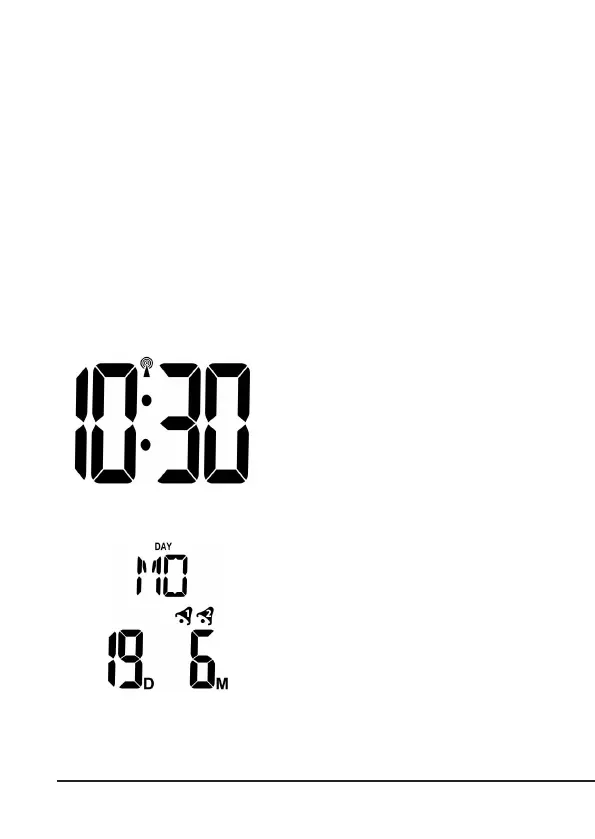
Time display:
The me can be displayed in a 12-hour
or 24-hour format.
Date and day:
The weather staon has a date and
day display. The date is displayed in the
lower secon and the day in the upper
secon. The pre-congured language is
German. If you want to change the lan-
guage, please refer to the secon "Basic
sengs" for more informaon.



 To Next Page