fr
en
de
nl
39
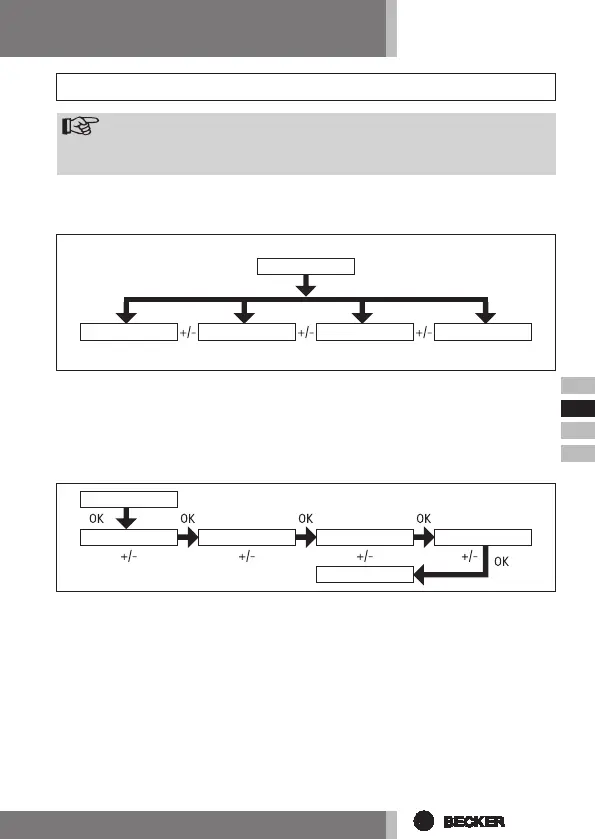
Overviewofmenu
1. Press the MENUbutton until TIME/DATE appears.
2. To select further menus, press the +/-buttons.
3. Press the MENUbutton to switch to operating mode.
TIME/DATE(tosetthetimeanddate)
1. Press the MENUbutton until TIME/DATE appears.
2. By pressing OK, you get to the time menu level.
3. Now set the current time using the +/-buttons.
4. If the time is set correctly, conrm by pressing OK.
5. Repeat the above procedure for the settings YEAR, MONTH and DAY. TIME/
DATE appears.
6. Press the MENUbutton to switch to operating mode.
Programming
M
Operating mode
TIME/DATE SETTINGPROGRAMME FUNCTION
TIME/DATE
TIME YEAR MONTH DAY
TIME/DATE
Note
Followingprogrammodicationsarenowlikewisevalidforall5chan-
nels.



 To Next Page