fr
en
de
nl
FUNCTION
ROLLERSHUTTER/BLIND,INITIALOPERATION
(Shutter/blind selection, date of initial operation)
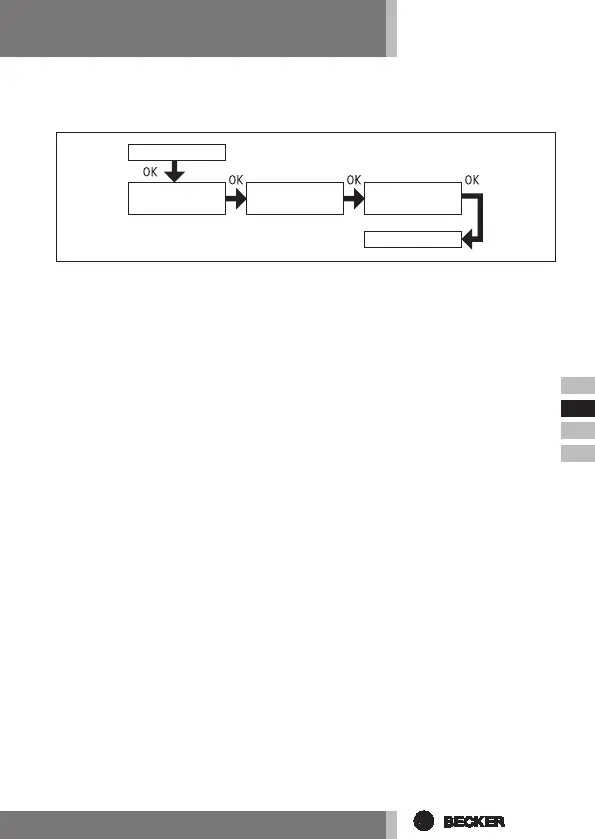
1. Press the MENUbutton.
2. To select the FUNCTION menu, press the +button until FUNCTION ap-
pears.
3. Press OK to conrm. ROLLER SHUTTER/BLIND appears.
4. You can choose between roller shutter/blind using the +/- button.
5. Press OK to conrm. EXPERT MODE OFF/ON appears.
6. The desired setting can be selected using the +/- button.
7. Conrm your selection by pressing OK. INITIAL OPERATION appears.
8. Conrm by pressing OK. FUNCTION appears.
9. Press the MENUbutton to switch to operating mode
FUNCTION
ROLLER SHUTTER/
BLIND
INITIAL
OPERATION
FUNCTION
EXPERT MODE
OFF/ON



 To Next Page