SETTING
SUMMER/WINTER (Automatic clock adjustment for daylight saving changes)
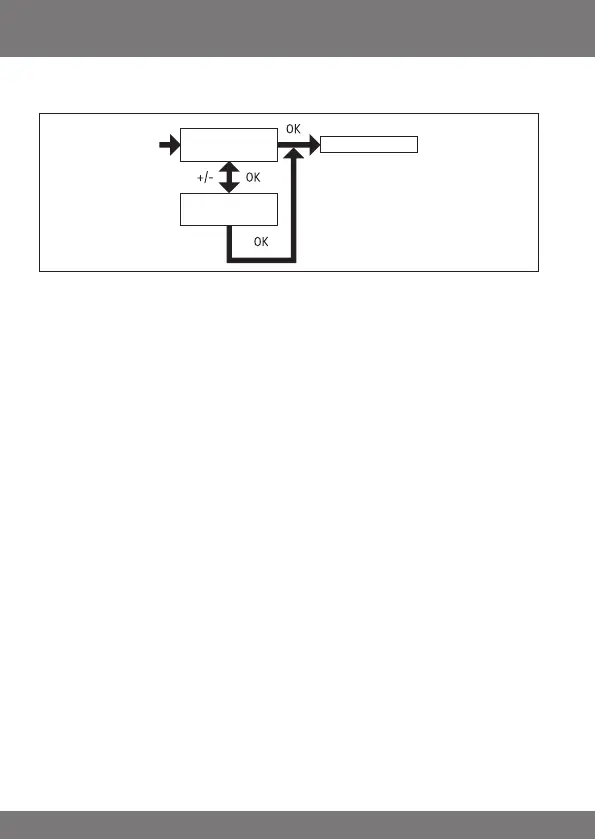
1. You have conrmed the TIME ZONE function. SUMMER/WINTER will appear.
2. The SUMMER/WINTER setting can be switched on or off using the +/- but-
ton.
3. Conrm your selection by pressing OK.
4. Press the MENUbutton to switch to operating mode.
SUMMER/WINTER
ON
Operating mode
SUMMER/WINTER
OFF



 To Next Page