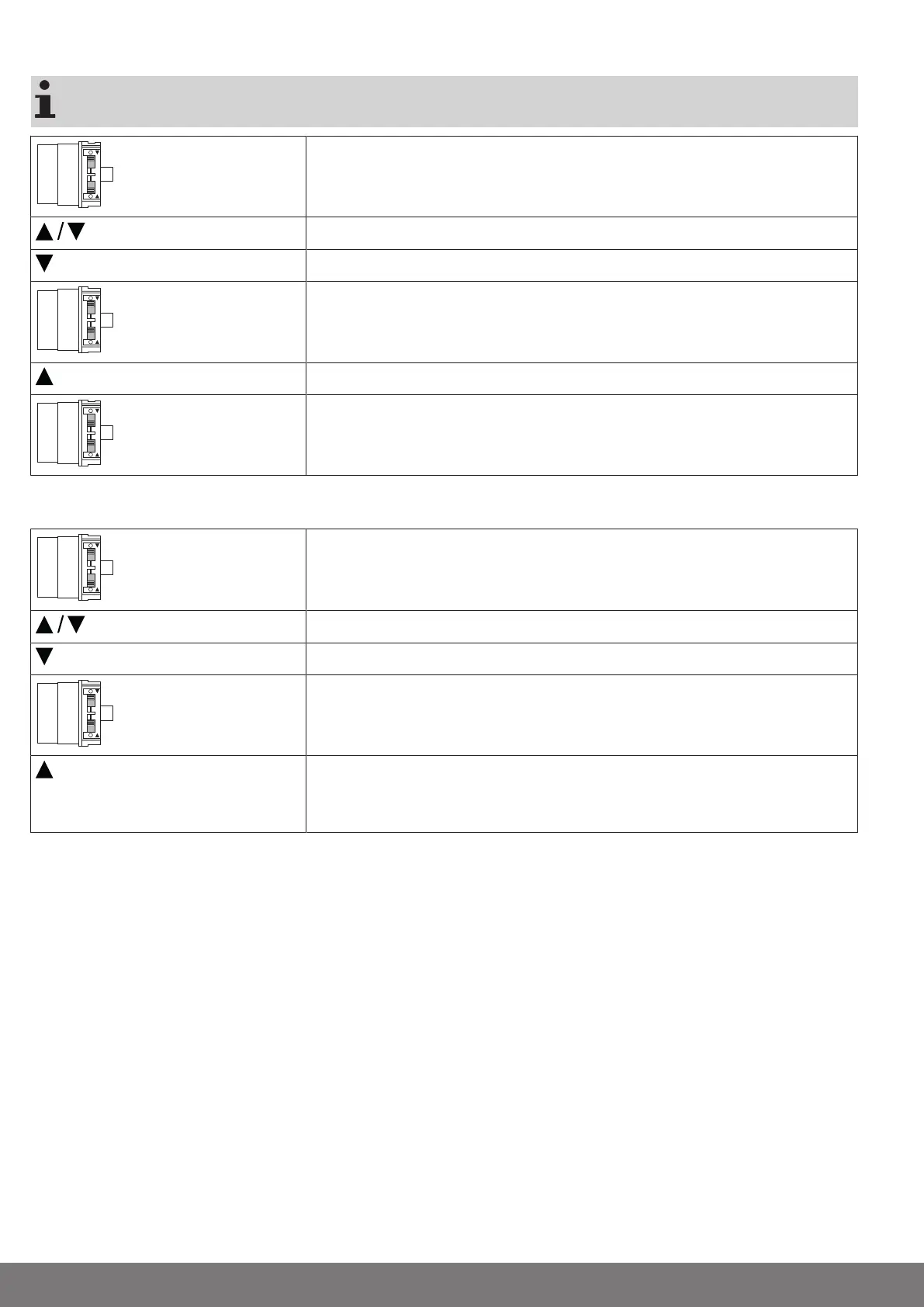
Extended point to retracted point
There is no shading solution length adjustment with this limit position setting.
Set both switches to the delete setting.
1s
Execute a short drive command.
Open to the desired extended limit position.
Change the setting of the extending direction of rotation switch from the delete set-
ting to the programming setting.
Then open to the desired retracted limit position.
Now change the setting of the retracting direction of rotation switch from the delete
setting to the programming setting.
►
The limit positions are now set.
Extended position to retracted stop
Set both switches to the delete setting.
1s
Execute a short drive command.
Open to the desired extended limit position.
Change the setting of the extending direction of rotation switch from the delete set-
ting to the programming setting.
Then retract to the upper permanent stop until the tubular drive switches off automat-
ically.
►
The limit positions are now set.
10-en




 To Next Page