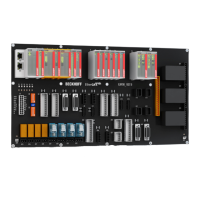
Technical Data CP9035 with DVI-Add Card
Technical Data CP9035 with DVI-Add Card
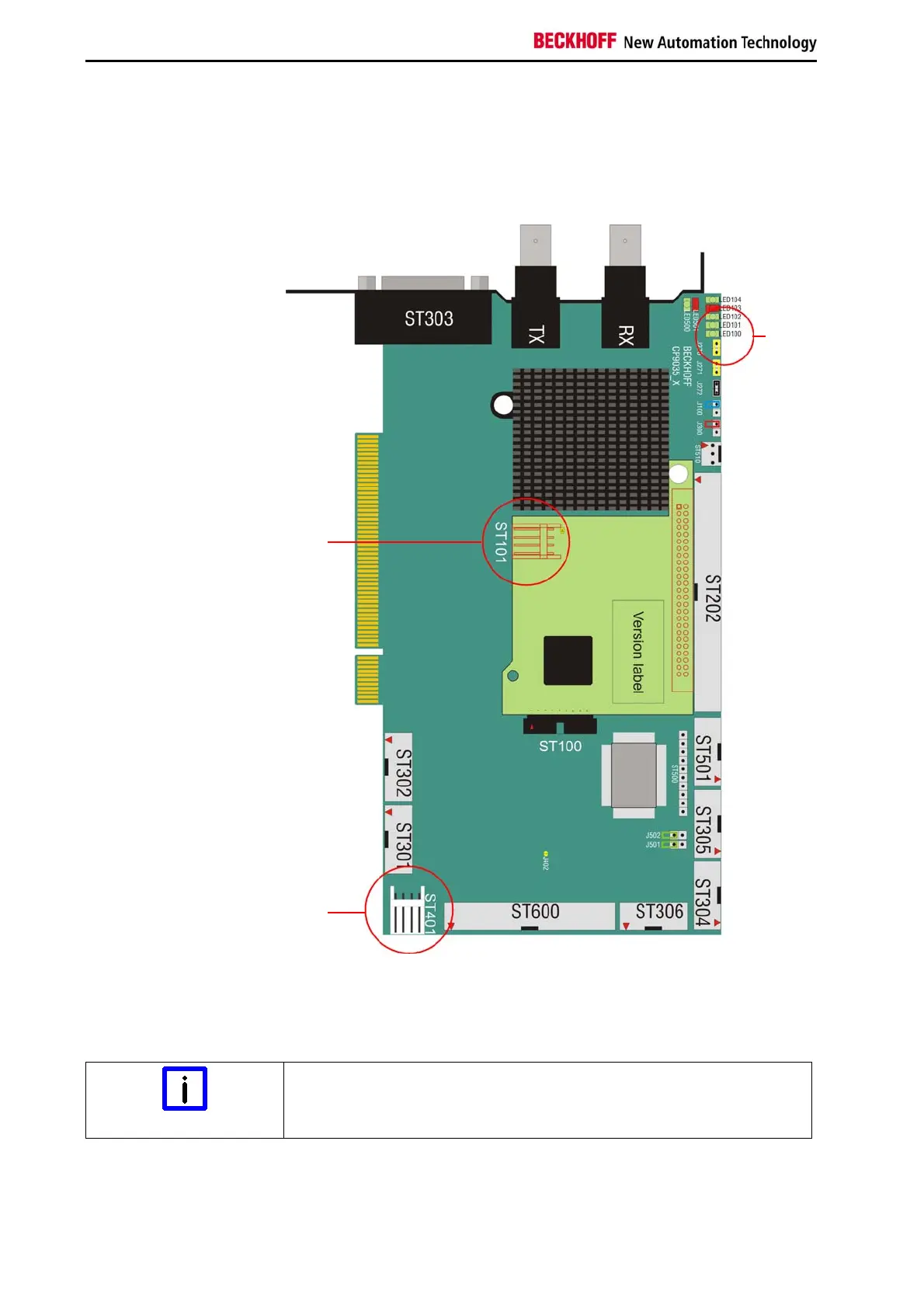
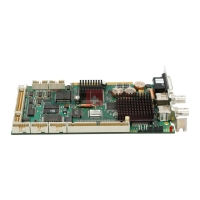
Layout of the CP9035 with DVI-Add Card
Fig. 14
The technical data of the CP9035 CP-Link card with DVI-Add card
correspond with the data of the CP9035 without DVI-Add card.
For operating the CP-Link card, the power supply has to be connected to
ST101 and ST401.
Connect power supply
Note
Take care that the connectors ST101 and ST401 are connected to the
power supply.
ST101 and ST401 are connected via a Y-cable, which is included in
delivery. The LED 100 indicates the correct power supply.
ST401
LED100
ST101
36 CP9030 / CP9035


 To Next Page