9
Using the Tare Function
Note: Only for objects heavier than 1.6 lbs.
1. Turn the scale on and wait for the display to read “0.0”.
2. Place the object(s) on the scale platform. The display will indicate the weight
of the object(s).
3. Depress the TARE button. “0.0” will be displayed on the console.
If the object is removed from the platform, its weight will be displayed as a
negative value.
4. Step on the platform with the object still on it. The weight displayed will be
the person’s net weight.
5. Depress ON/ZERO to return the scale back to normal weighing operation.
Changing Display Units
Your scale can display weight readings in either pounds or kilograms. The unit
of measure can be changed at any time by pressing the LB/KG button. The
current mode of the scale is identified on the bottom of the LCD display.
When powered on, the scale will use the last selected mode. For example, if the
scale turns off when in kilograms mode, it will power on with kilograms as the
unit of measure.
Note: You may disable the LB/KG button so that the scale only will display your selected
unit of measure. (See User Settings section on page 11.)
Using the Recall Function
The scale has the ability to recall and display the last weight measurement
taken.
1. While “0.0” is displayed on the console, depress the RECALL button.
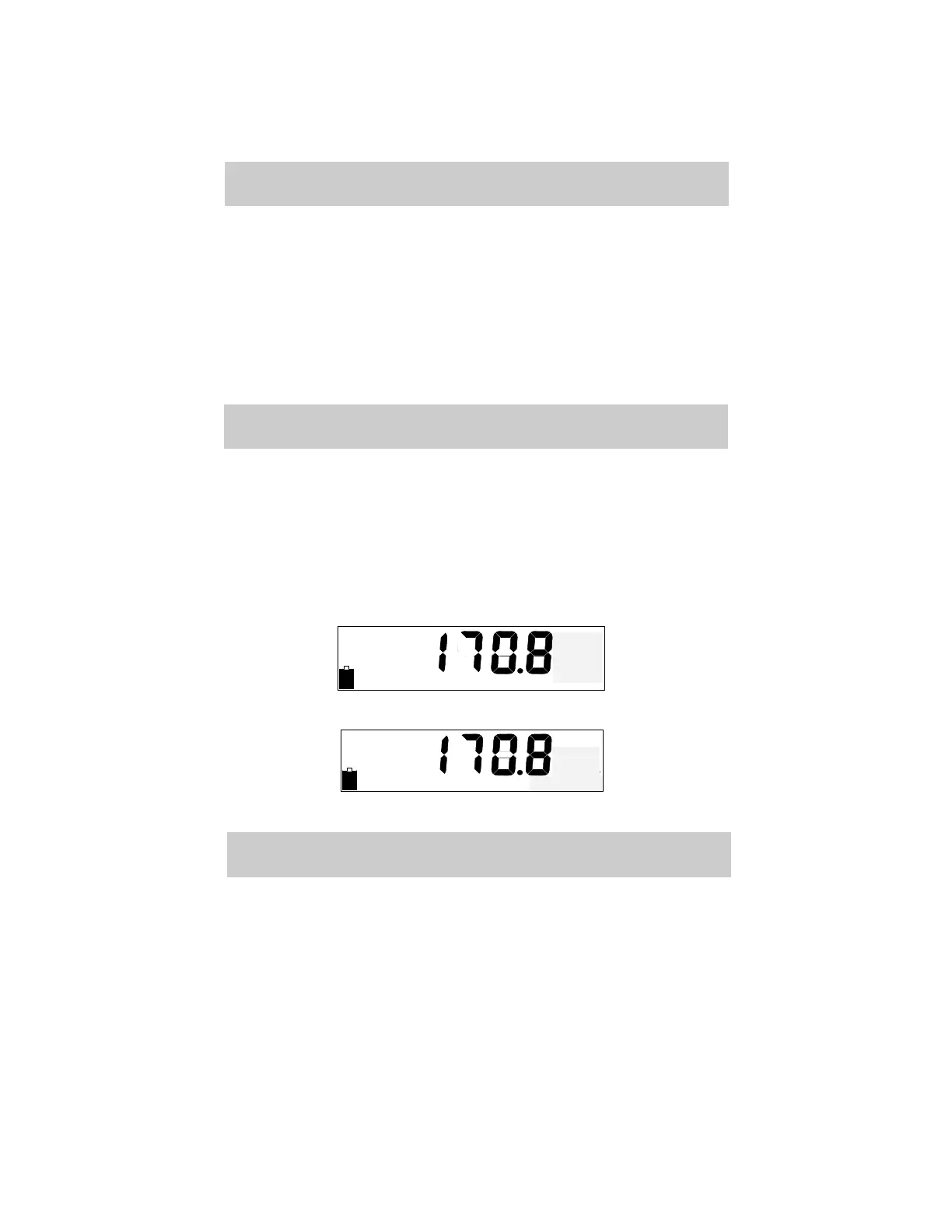
2. The most recent weighing will be displayed along with “PRIOR WT” (Fig. 7);
if last weight was an averaged reading, “AVG WT” will display (Fig. 8).
3. The scale will be locked from further use for 30 seconds or until either of the
following occurs:
a. RECALL is depressed again
b. ON/ZERO is depressed



 To Next Page