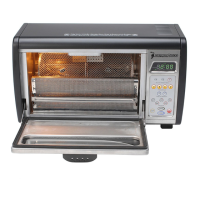
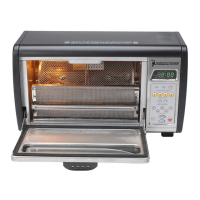
V7.4 Plus OP-L
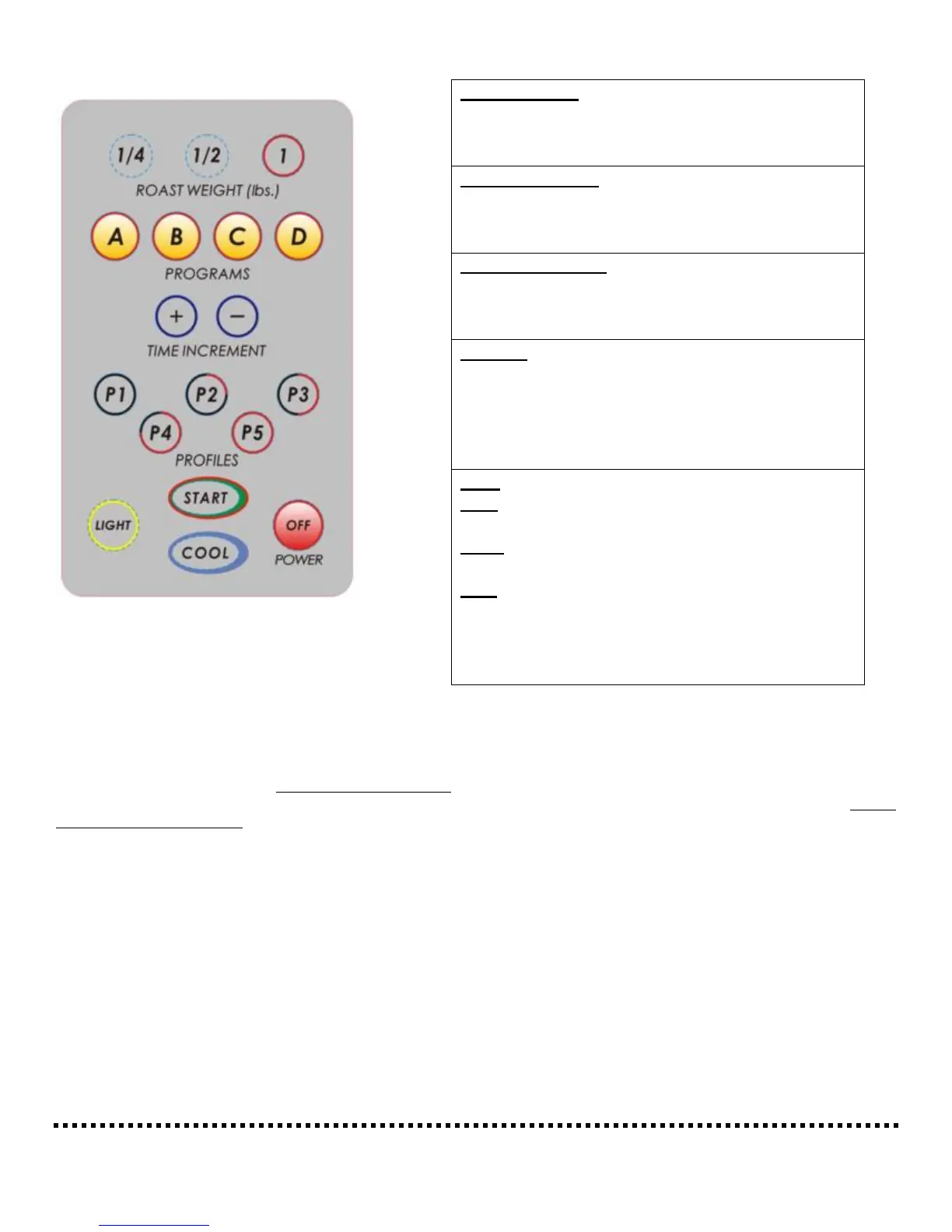
Control Panel and Functions:
Roast Cycle: The system will roast according to the Profile
you have chosen, taking into account how much you are
roasting and any additional time you have added. When the roast time has reached 59 seconds remaining, the digital display will blink
on and off. If you desire to add time, you can do so (up to Profile maximums) until the display reads 00:01. If you allow the system to
go to 00:00, it will automatically go into it’s pre-programmed cooling cycle.
Cooling Cycle: The system has two cooling cycle programs, Manual and Automatic. The Automatic cooling cycle starts when the
roasting timer goes to 00:00. When cooling begins, the display will show the countdown time for cooling. There is also a manual
cooling cycle option available. Should you decide at any time to end a roast, simply press the “Cool” button and cooling will begin. As
with automatic cooling, the system timer will reset and show a new countdown for the cooling cycle.
Each system’s function has been designed for a reason. It is imperative you allow the system to perform as
designed for optimal performance and longetivity. This is especially true of the cooling cycle. Failure to comply
with these recommendations or those listed in the Important Safeguards could result in a potential safety hazard.
If you do not understand a function or parts of the system, email us at tech@behmor.com and we will do our best
to answer any questions you might have. Please include a phone number so we can, if necessary, call to better
answer to your question.
Roast Weights: Enters the weight of green coffee
beans to be roasted. These buttons will also “reset”
the system to the default programs at anytime before
your roast has been started.
Programs/Times: These buttons allow the user to
quickly alter the length of the Profiles. See “Tips”
and “Maintenance” for more complete information
related to these examples.
Time Increments: Add or subtract time on roast
programs prior to Start or at any point during roast
cycle. Pressing “+” adds 15 seconds, “–” subtracts
10 seconds.
Profiles: Denotes how heat is applied to the beans.
P1 is the hottest profile, thus fastest roast time. P5 is
the most delicate of the profiles the slowest roast
time. See “Profiles” chart for details on heat
applications along with “Tips” section for more
details.
Start: Starts the roasting cycle.
Cool: Allows the user to stop a roast at any time and
begin cooling the beans.
Light: The switch to turn the roast chamber light on
and on.
OFF: Shuts off the roaster. Do not press OFF during
the roast cycle except in an emergency situation
(such as a bean fire). Pressing OFF before the roast
cycle is complete could lead to excessive smoke and
create a fire hazard.


 To Next Page