– 11 –
behrotest
®
K8 / K12 / K20 / K16 / K24 / K40
059111
© behr Labor-Technik GmbH
behrotest
®
K 12
Press button for
Enter
–
+
Switching the appliance on
Switch the mains switch on the front of the appliance to
the „I“ position.
The mains switch of the behrotest
®
K8 L / K12 L /
K20 L / K16 L / K24 L / K40 L performs two functions.
It is used, on the one hand, to switch the unit on and
off. There is, in addition, a fuse integrated into the
switch.
This fuse functions similarly to a miniature circuit-
breaker (m.c.b.) familiar from your household wiring
system. It interrupts the electrical circuit if an over-
current occurs.
Since it is necessary to pretension a spring for this
safety function, the mains switch on the digestor
requires greater force for switching on than a con-
ventional mains switch.
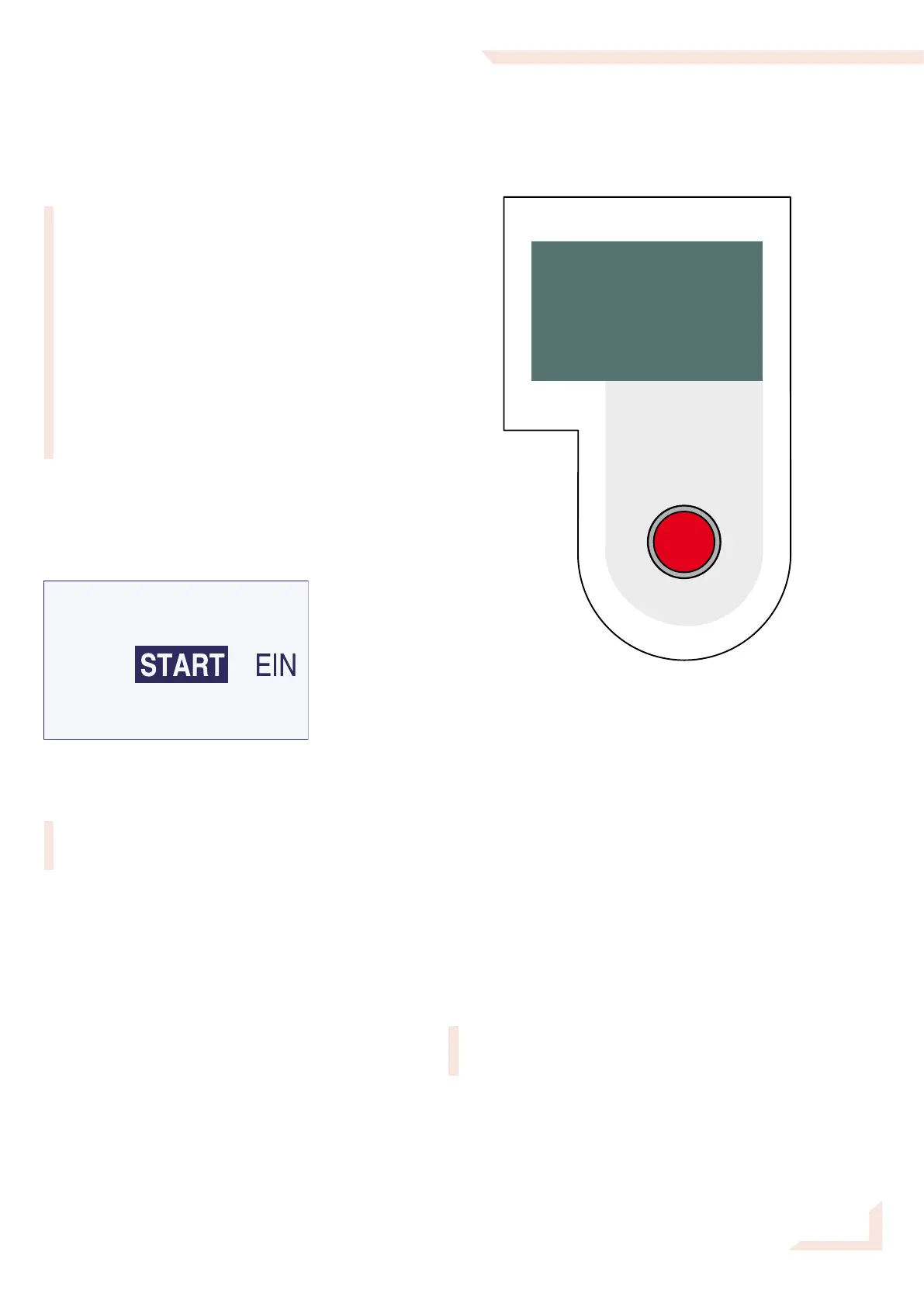
An initialization message will appear briefly on the
display when the unit is switched on. The main menu
appears once the initialization routine has been com-
pleted:
The device is now ready for operation.
Don‘t wonder if the start menu appears in German.
This is the factory setting; you‘ll soon see how to
change it (see p. 12 / 13).
Using the K8 / K12 / K20 / K16
/ K24 / K40
The operating unit
You can program and operate your behrotest® K8 / K12
/ K20 / K16 / K24 / K40 quite simply using a single but-
ton. The principle is the same in all cases:
The principle remains in all cases the same:
Turning the knob enables you to choose an option. The
currently addressable option is recognized by being
highlighted with light text on a dark background.
The knob may be turned in both directions. In doing this,
you will pass all possible options in the display shown
and will always again find the desired option on contin-
ued turning. Try this for yourself.
The desired option is implemented by pressing on the
knob.
The complete procedure of choosing by turning and
implementing by pressing will henceforth simply be
called „selecting.“
Operating unit


 To Next Page