– 14 –
behrotest
®
K8 / K12 / K20 / K16 / K24 / K40
059111
Creating a temperature program
The K8 / K12 / K20 / K16 / K24 / K40 can be used to
write up to ten different temperature programs.
A program can have up to 10 program steps.
When writing a program, always note its purpose
and the settings selected.
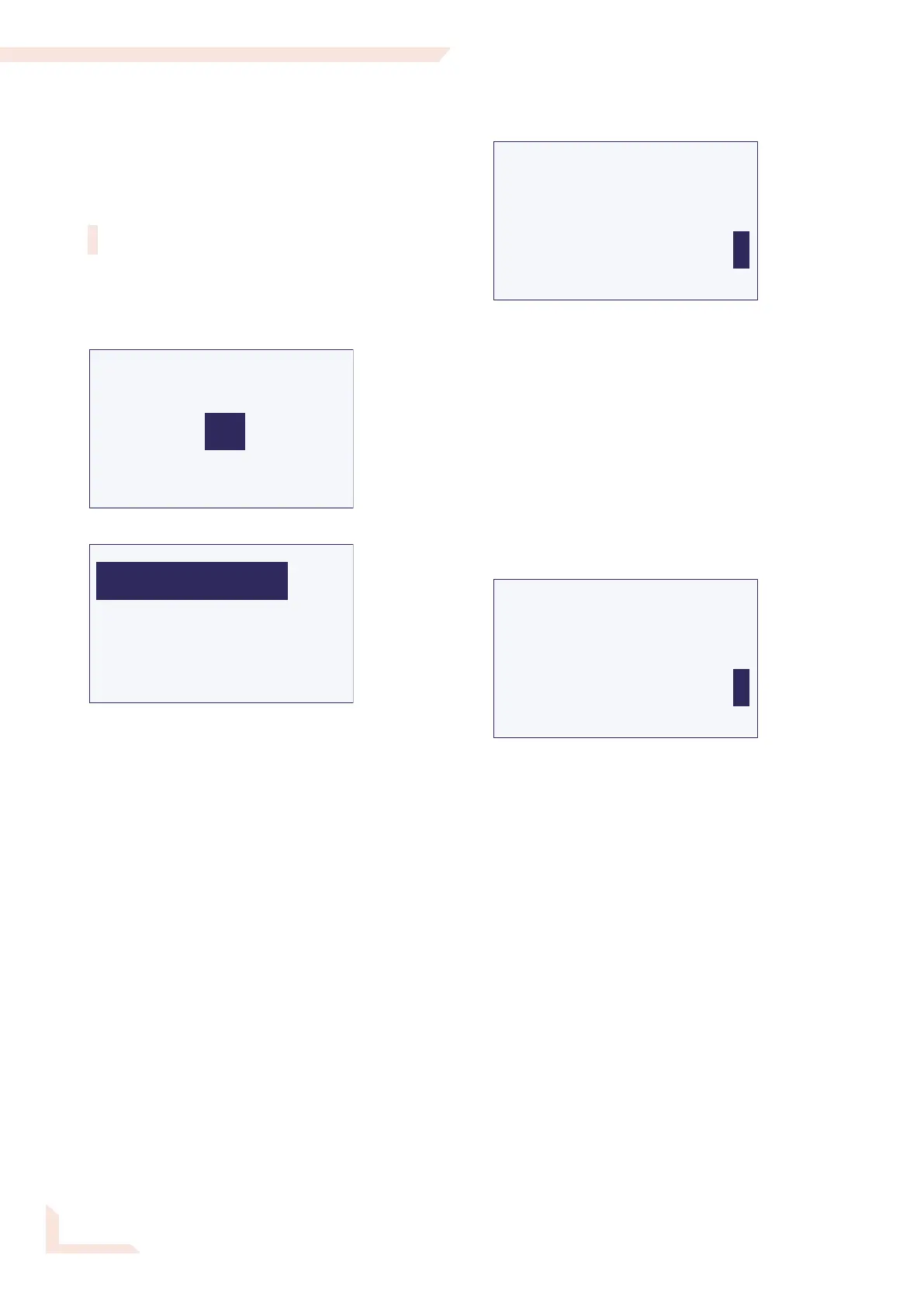
Select ==>> in the Start menu and select Program
in the menu which then appears.
You are now on the first page of the Program menu.
Select the entry box for the Program No.
Select the required Program No. You should select 01
if you have not yet written any other program.
Then select ==>>.
You will now see for every program step a page, on
which you can enter the settings for this step.
TIME
FUNCTION
TEMPERATURE
Program 01/05
<<== ==>>
350
120
T
The Program No. and the Program Step No. which you
are currently editing are shown in the top line.
Program 07/05, for example, indicates the fifth step in
Program No. 07.
This screen page will change its appearance depending
on the Function you select.
There are the following possibilities:
Function T: Temperature step
TIME
FUNCTION
TEMPERATURE
Program 01/05
<<== ==>>
350
120
T
In this function, the unit heats up to the specified
Temperature as quickly as possible (if it is not already
preheated) and then maintains this temperature. The
entire procedure (heating-up and maintaining, together)
lasts the stated Time in minutes.
You can enter Temperature and Time digit-by-
digit. The unit will not accept an impermissible tempera-
ture and will instead jump back to the first digit of the
entry box.


 To Next Page