– 13 –
behrotest
®
K8 / K12 / K20 / K16 / K24 / K40
059111
© behr Labor-Technik GmbH
First page: Language and time
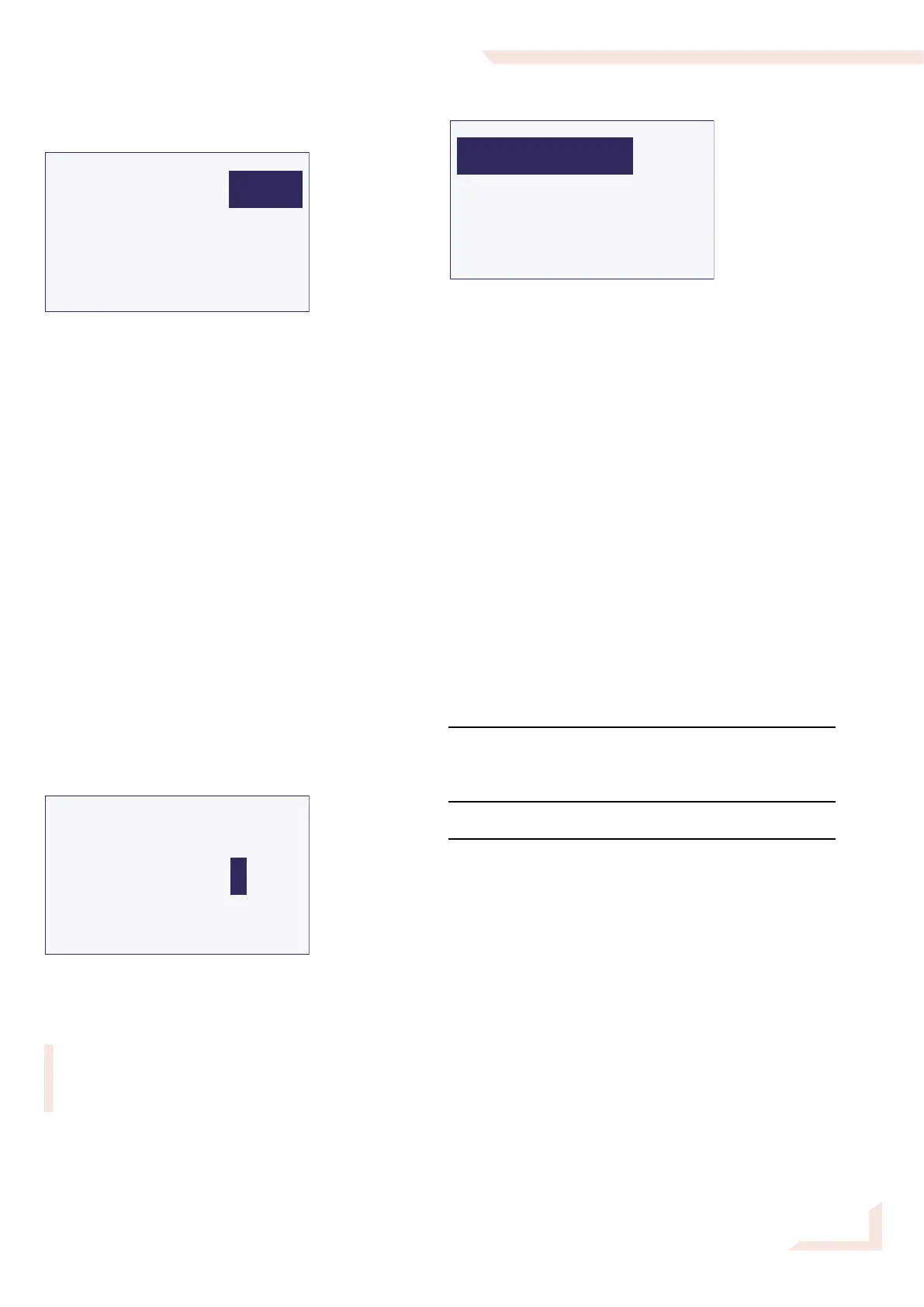
Select language
UHRZEIT
SPRACHE
<<== ==>>
D
11:20
Three languages are permanently programmed in the
K8 / K12 / K20 / K16 / K24 / K40 : D (German), GB (Eng-
lish), F (French). A fourth language can be added as an
option.
German is the default (ex-works) language. A different
language can be selected using this menu.
Select the Sprache (Language) menu item. The
entry for the language will now appear on a dark
background. Turn the operating button until the
required language appears, and then press the but-
ton.
From this point on, all menus and messages will appear
in the language you have selected.
Setting the time
You should also set the time while you are on this page.
The time is required to permit use of the K8 / K12 / K20‘s
Autostart function.
Select the Time menu item. The first digit of the
hours will then appear marked.
TIME
LANGUAGE
<<== ==>>
GB
11:20
You can now enter the digits for the time one after the
other. Turn the operating button until the correct digit
appears, and then press it.
If an illogical value is entered, such as „26“ for the
hours or „61“ for minutes, for example, the unit will
reject the value and instead jump back to the first
digit of the setting.
Use ==>> to move to the next page of this menu.
Second page: Autostart settings
START TIME
AUTOSTART
<<==
OFF
11:20
The Autostart settings can be selected on this page. You
can, for example, set the unit to preheat at a specified
time or to start a temperature program at a specified
time.
Autostart The following possibilities can be selected
here:
Off - the K8 / K12 / K20 / K16 / K24 / K40 will
only start to heat when a program is star-
ted or On is selected in the Start menu.
On - the K8 / K12 / K20 / K16 / K24 / K40 will
preheat to the starting temperature of the
most recently selected program as soon
as it is switched on at the mains switch
(p. 7, 2.3).
Prg - the K8 / K12 / K20 / K16 / K24 / K40 will
start the most recently selected tempera-
ture program at the Start time.
Tme - the K8 / K12 / K20 / K16 / K24 / K40
will start to preheat to the starting tempe-
rature of the most recently selected tem-
perature program at the Start time.
Start time Starting time for Prg and Tme.
The value can be set digit-by-digit, as
described before.
<<== back.
Selecting <<== repeatedly returns the unit to the Start
menu.


 To Next Page