– 16 –
behrotest
®
K8 / K12 / K20 / K16 / K24 / K40
059111
Processing samples
Switch the K8 / K12 / K20 / K16 / K24 / K40 on (mains
switch on the rear panel of the unit, Page 7, 2.3).
If you have selected Prg or Tme for the Autostart func-
tions, the starting time will be shown at the top left; the
target temperature will be shown in this position if the
unit is preheating.
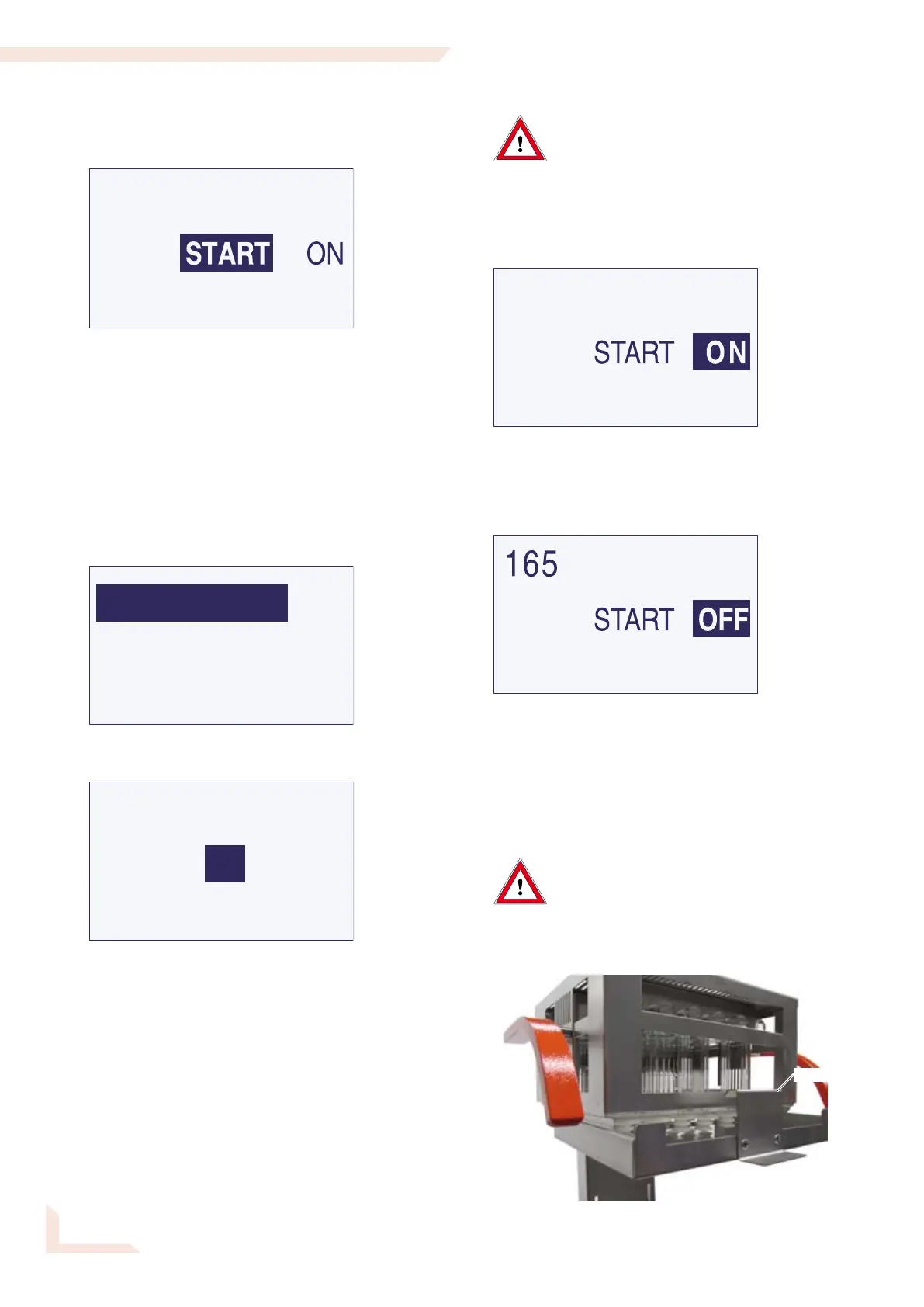
Select program
The most recently selected program is displayed in the
bottom line of the Start menu. Select a different program
if this is not the program you require now:
Select continue ==>>
Select Program
and on the next page Program No.
Select the required Program No.
Return to the Start menu by selecting <<==
repeatedly.
Preheating the digester
Danger of burns! The inner zone of the
heating block gets hot!
Never touch the hot glasses or the area
of the heating block around the mounting
holes with the bare hands.
If necessary, preheat the digester to the starting
temperature.
Select the ON menu item in the Start menu.
The device will now start to preheat to the starting
temperature of the program selected.
The temperature to which the device will preheat is now
shown at the top left of the display, and the temperature
reached at the center.
Select OFF if you wish to abort preheating.
Inserting the samples,starting the program
Danger of burns! The inner zone of the
heating block gets hot!
Never touch the hot glasses or the area
of the heating block around the mounting
holes with the bare hands. Use the sample
rack to insert the samples.
Hook


 To Next Page