Hardware
Beijer Electronics, MA00757A 35
3.7.7 Replacing the Complete Front
The following is needed:
– A new front, see the Available Spare Parts list.
– A torx T10 screwdriver.
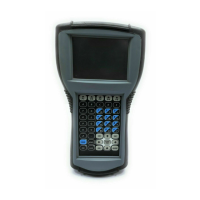
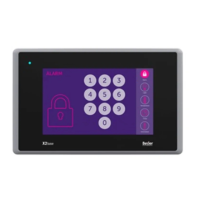
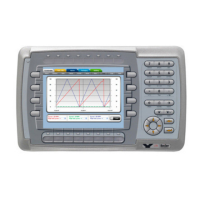
EXTER K30m, EXTER K60c, EXTER T40/T40m and EXTER T60c/T60m
Follow the steps below to replace the complete front of the operator terminal:
1. Power off the operator terminal.
2. Follow the steps 1-6 in the Replacing the Display/Display Cable instructions for
the current version of terminal.
3. Attach the new front.
4. Re-assemble the unit.
EXTER T70 and EXTER K70
Follow the steps below to replace the complete front of EXTER T70/EXTER K70:
1. Power off the operator terminal.
2. Follow the steps 1-3 and step 5 in the Replacing the Display/Display Cable
instruction for EXTER T70/EXTER K70, but in step 3, do not remove the dis-
play cable.
3. Attach the new front.
4. Re-assemble the unit.
EXTER T100
Follow the steps below to replace the complete front of EXTER T100:
1. Power off the operator terminal.
2. Follow the steps 1-3 and 5 in the Replacing the Display/Display Cable instruction
for EXTER T100, but in step 3, only disconnect the flex cables and the LED
cable (do not remove the power card).
3. Attach the new front.
4. Re-assemble the unit.
EXTER K100
Follow the steps below to replace the complete front of EXTER K100:
1. Power off the operator terminal.
2. Follow the steps 1-3 and step 5 in the Replacing the Display/Display Cable
instruction for EXTER K100, but in step 3, only disconnect the flex cable (do
not remove the power card).
3. Attach the new front.
4. Re-assemble the unit.
Note:
Make sure you have adequate ESD protection.


 To Next Page