SERVICE MODE
Entering the service menu with user remote control;
-enter “1972” when main menu appears
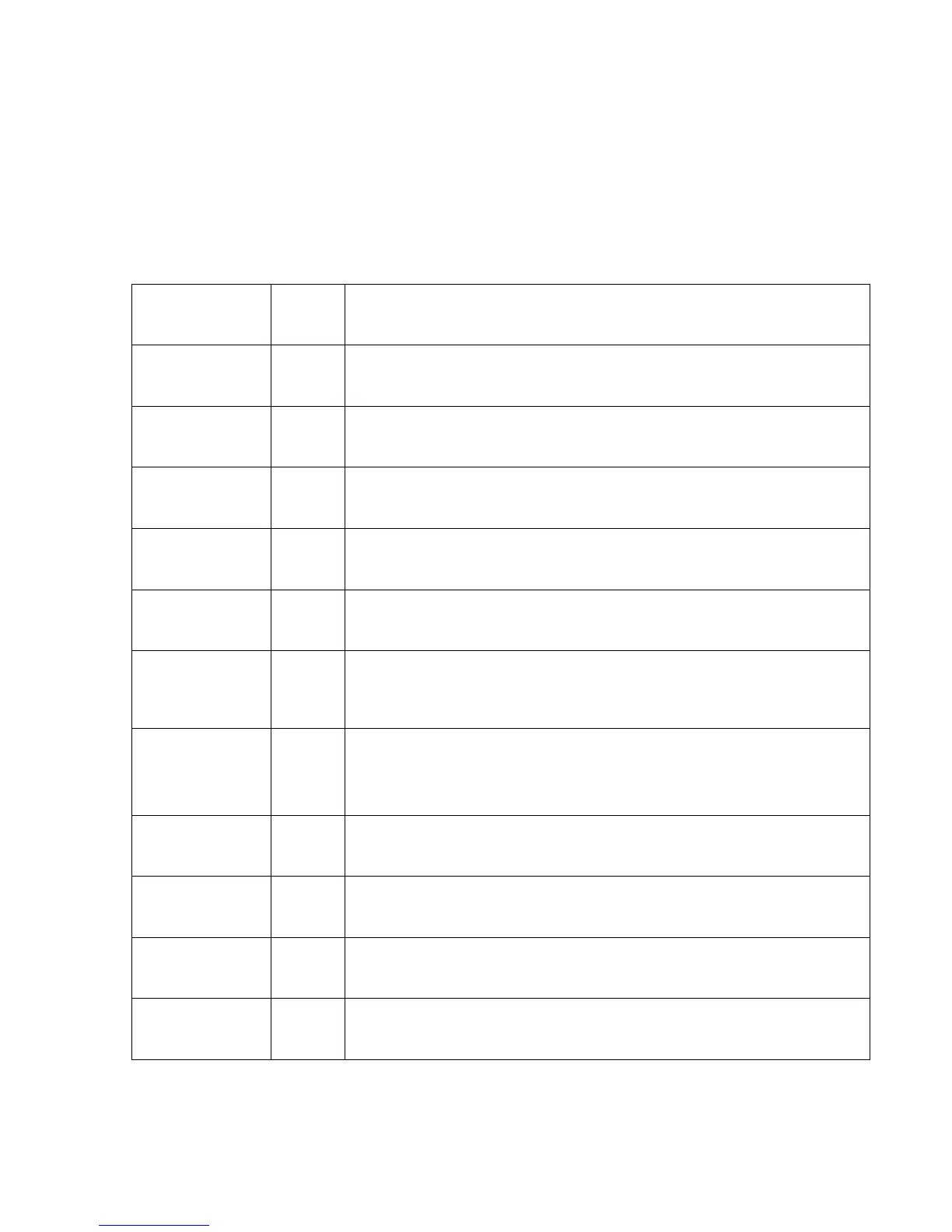
Item Setting
Function
Brightness
Mode
Auto To adjust the general brightness
RS232 Setting 19200 Slip speed for software downloads
Customer Logo X To choose the customer logo, if available (1, 2, etc.)
Operation Time - Shows the operation time since first switch on, can be resetted by
technician
Default Color
Settings
- To adjust the general color settings, normal value is: RGB offset 7
and RGB gain 128
Power On Input Last Defines which input is active after switching on the unit
Temperature
Setting
- Shows temperature threshold for temperature alert function:
Temp1: 60°C; Temp2: 65°C; Temp3: 63°C
also shows all time Max and Min temperature, which can be
resetted by technician
Full Mask off Available functions: inverted, red, green, blue, full white. Might
help against Burn In
Sub Volume - Defines volume setting of each single input separately
Version /
System Info
- Soft-/Hardware version
Reset
Everything
Resets all settings to factory defaults, also erases all channel
settings



 To Next Page