Dishwasher / User’s Manual
35 / 47
EN
Operating the product
Interior Lighting
(Depends on the model)
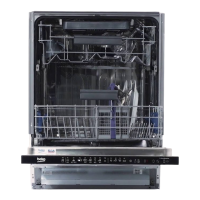
Some models have interior lighting to
illuminate the interior when the door is
opened.
Changing the interior lighting
setting
1. After switching on your machine, press
the Menu key for 1 second.
2. Press <- and +> to proceed to “L:” on
the display. Select the position you
want with the Selection key. Interior
lighting is off in “L:0” position and on in
“L:1” position.
3. Press the Menu key to exit the settings
menu. Your setting will be saved
automatically.
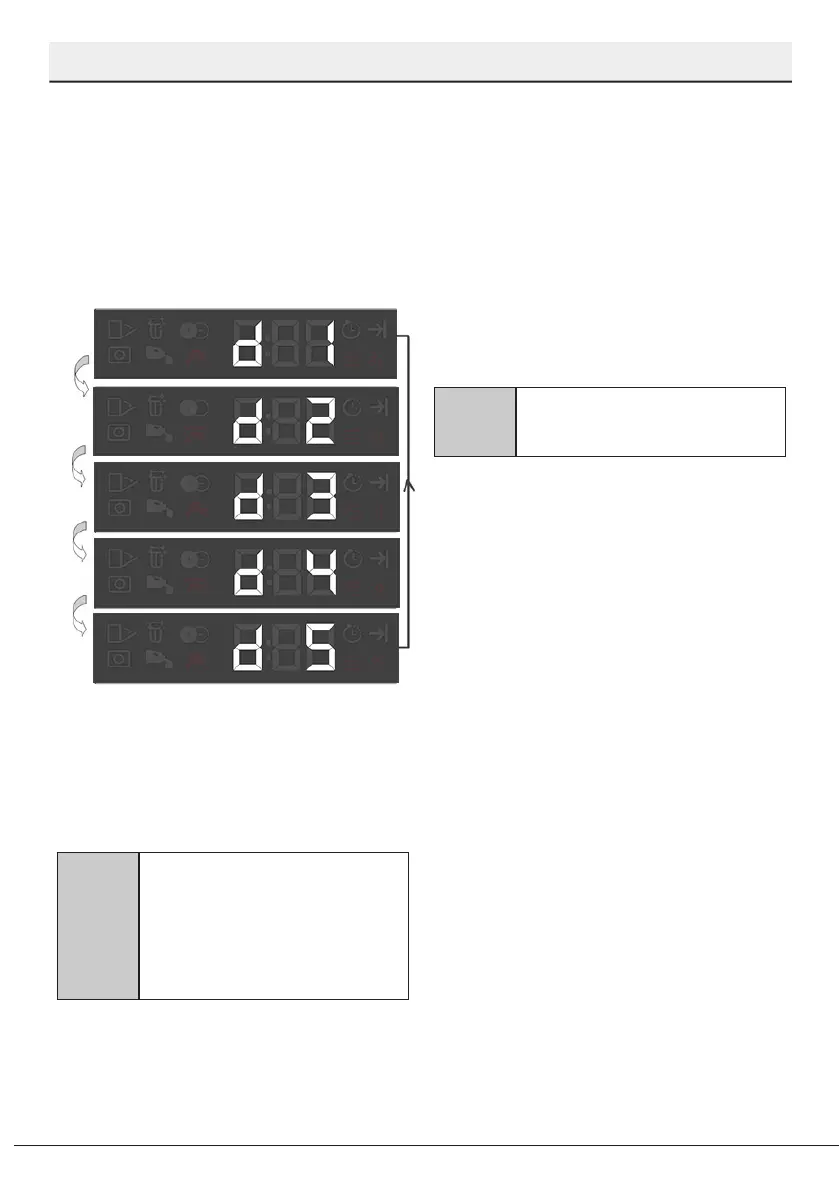
Liquid Dosing Function detergent use
setting:
Level 1: 10 cc lower than the default value
Level 2: 5 cc lower than the default value
Level 3: Use the default detergent amount
determined by the programme.
Level 4: 5 cc higher than the default value
Level 5: 10 cc higher than the default value
Changing Warning Sound Volume
1. After switching on your machine, press
the Menu key for 1 second.
2. Press <- and +> to proceed to “S:” on
the display.
3. Each pressing on the Selection key will
change the warning sound volume as
"S:0" off, "S:1" medium and "S:2" high.
4. Press the Menu key to exit the settings
menu. Your setting will be saved
automatically.
C
Your machine is set to
“S:2” as factory default.
Automatic Detergent Dosing
Function
The Automatic Detergent Dosing function
automatically adjusts the liquid/gel
detergent use according to the selected
washing programme and your settings.
C
To activate or deactivate the
function, proceed to “Functions”
under the “Settings” menu
and follow the instructions
regarding the automatic liquid/
gel detergent dosing function.


 To Next Page