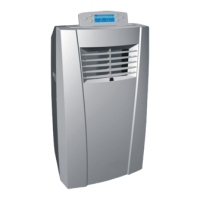
Ar cooler / User Manual
7 / 12 EN
3 Instructons for use
3.2 Instructons for operaton of body
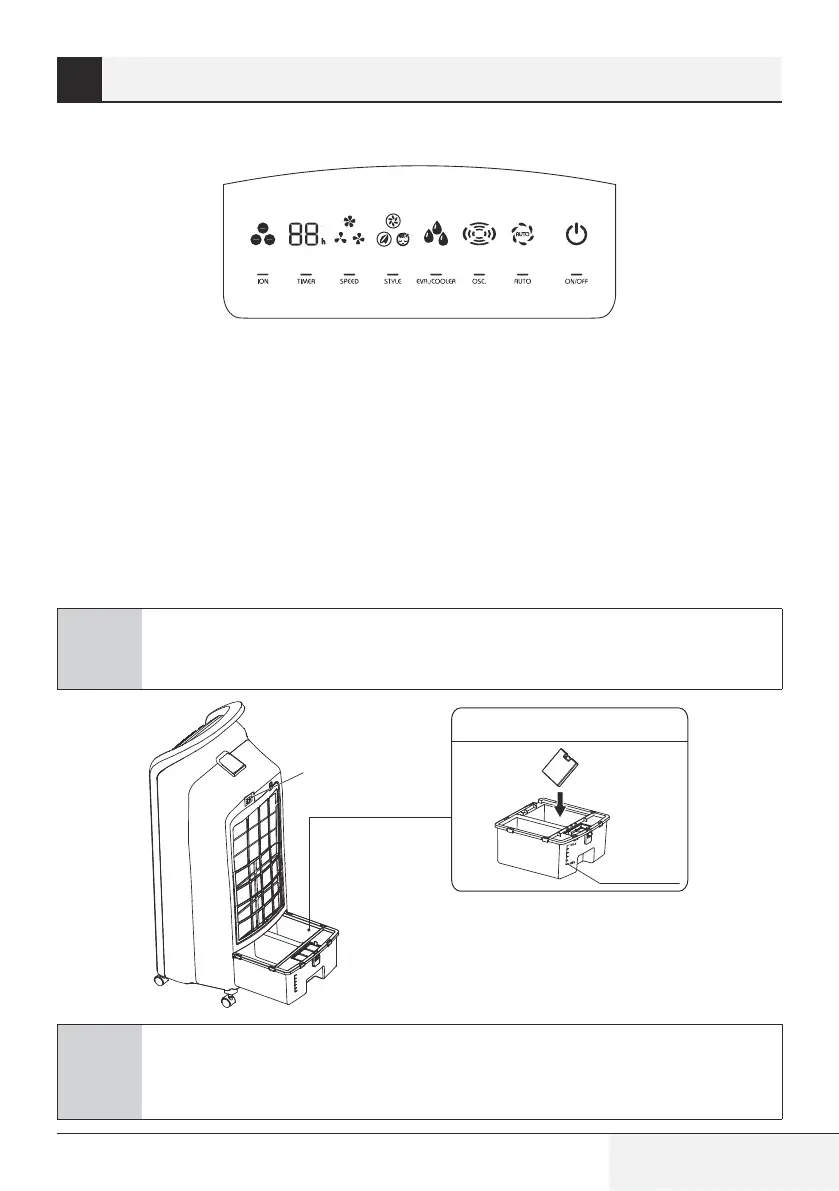
Press a key on the unt to actvate a correspondng functon.
For nstance:
•
Press [OSC] key to actvate or deactvate swng functon.
•
Press [Speed] key to adjust 3 speeds of ar flow.
•
Press [Style] key to swtch between normal, natural and sleep functons.
•
Press [Tmer] key to set 1-12 hour tmer settng.
•
Press [Ion] key to actvate or deactvate negatve Ion functon.
•
When [Eva./Cooler] key s pressed, the ndcator lghts up constantly f the operaton s normal; when
the ndcator flashes, t denotes a water shortage, please add water mmedately.
C
Considerate hint:
Push buttons on the unt may dffer based on the actual product model.
Usng the ce box
Power
Water + ce
Water level
C
Considerate hint:
When humdfyng, water level n the water tank must reman under max ndcaton;
replensh water f level gets lower than mn ndcaton.


 To Next Page