EasyManua.ls Logo

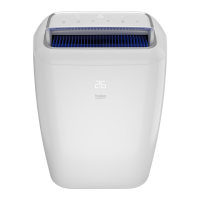
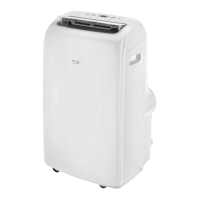
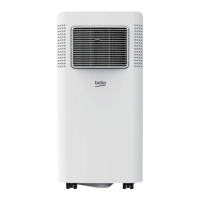
Beko BX 109 C - User Manual

Beko BX 109 C
24 pages
Print Icon
To Next Page IconTo Next Page
Loading...
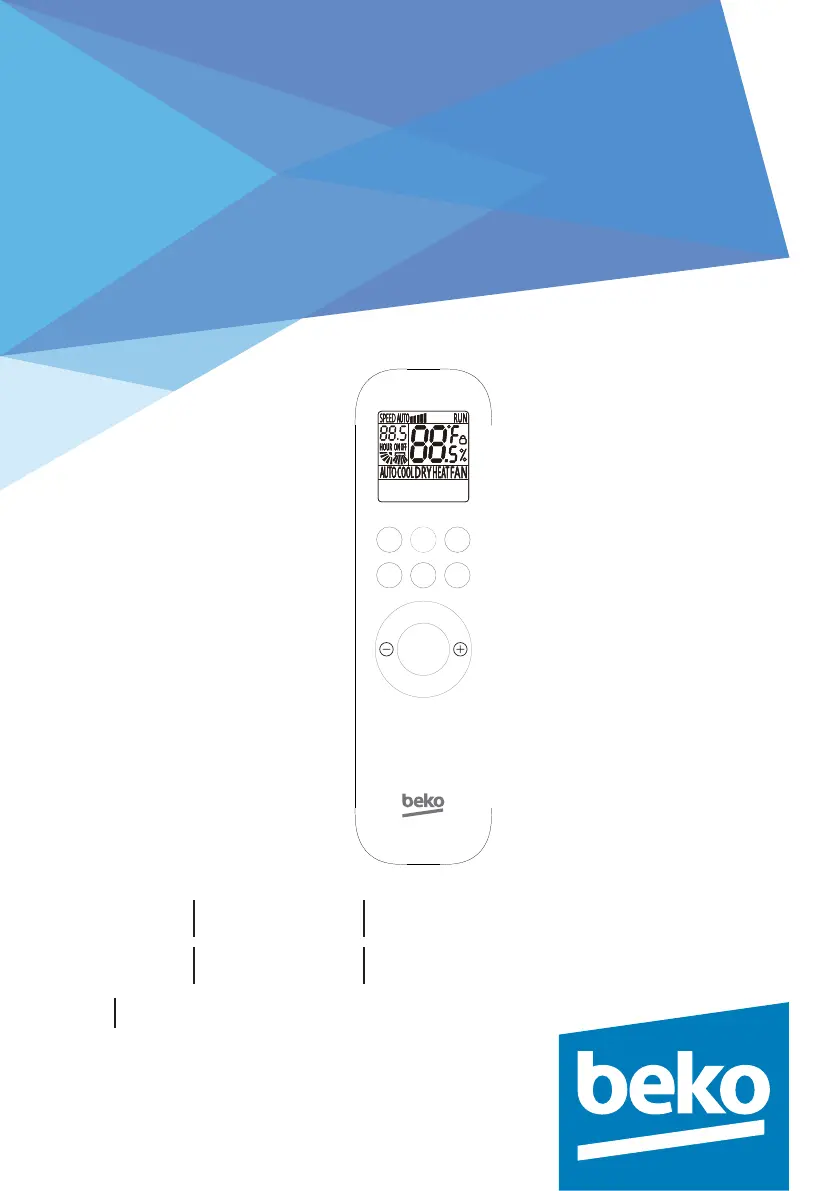
Remote controller
User Manual
BX 109 C BX 109 H BX 112 C
BX 112 H BX 109 AC BX 109 AH
EN FR
COOL SPEED
HEAT TIMER MODE
°C/°F
ON/OFF
SWING
SLEEP
MODE

Other manuals for Beko BX 109 C

Questions and Answers

  • A
    Albert DunnJul 26, 2025
    Why is my Beko Air Conditioner blowing air but not cooling/heating properly?
    • A
      ashleyabbottJul 26, 2025
      If your Beko Air Conditioner is blowing air, but the cooling or heating isn't effective, several factors could be at play. First, check that the temperature setting is appropriate, ensuring it's lower than the ambient temperature for cooling or higher for heating. A blocked air filter can also reduce efficiency, so clean it thoroughly. Obstructions at the air inlet or outlet should be removed. In very hot rooms, allow extra time for the unit to cool the environment. Ensure doors and windows are closed. If the issue persists, reconfirm the required cooling/heating capacity with your dealer.
  • H
    Hunter MorrisAug 5, 2025
    How to fix a Beko BX 109 C that will not operate?
    • E
      Elizabeth SanchezAug 5, 2025
      If your Beko Air Conditioner won't turn on, check a few things. First, make sure the power switch is on. If there was a power outage, wait for the power supply to return. If the fuse is burnt, have it replaced by a professional. Also, check if a startup delay is set; if so, wait or cancel the setting.
  • E
    Erin JohnsonAug 13, 2025
    What to do if Beko Air Conditioner doesn't start when pressing the ON/OFF button?
    • M
      Maureen HillAug 13, 2025
      If your Beko Air Conditioner doesn’t start when you press the ON/OFF button, it might be because it hasn't been four minutes since it was last switched off; wait four minutes and try again. Also, check if the room temperature is lower than the set temperature in cooling mode or higher than the set temperature in heating mode and reset the setting temperature.

Summary

Precautions

Buttons Description

ON;OFF Button

Turns the unit on/off and clears timer/SLEEP settings.

MODE Button

Selects operation modes: AUTO, COOL, DRY, HEAT, FAN.

TIMER Button

Sets ON/OFF timer for 0.5-24 hours. Confirms or cancels timer settings.

HEAT Button

Activates the heating operation mode for the unit.

COOL Button

Activates the cooling operation mode for the unit.

SPEED Button

Adjusts fan speed to Low, Mid, High, or Auto settings.

Temperature Adjustment (+;-)

Adjusts temperature setting by 1°C increments, range 16°C-32°C.

°C & °F Button

Switches temperature display between Celsius and Fahrenheit.

SWING Button

Controls the up/down swing function and fixes its position.

SLEEP Button

Activates or deactivates the sleep mode operation.

Child-lock

Activates/deactivates child lock by pressing HEAT and MODE buttons simultaneously.

Usage

Battery Installation

Guide to opening cover, inserting batteries correctly, and closing cover.

Auto Operation

Steps to select auto mode, fan speed, and start/stop the unit.

Cooling;Heating Operation

Steps to select cooling/heating mode, set temperature, fan speed, start/stop.

Fan Operation

Steps to select fan mode, fan speed, and start/stop the unit.

Drying Operation

Steps to select drying mode, set temperature, and start/stop the unit.

Beko BX 109 C Specifications

General IconGeneral
BrandBeko
ModelBX 109 C
CategoryAir Conditioner
LanguageEnglish

Related product manuals