18
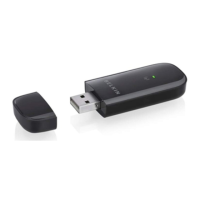
INSTALLING AND SETTING UP THE ADAPTER
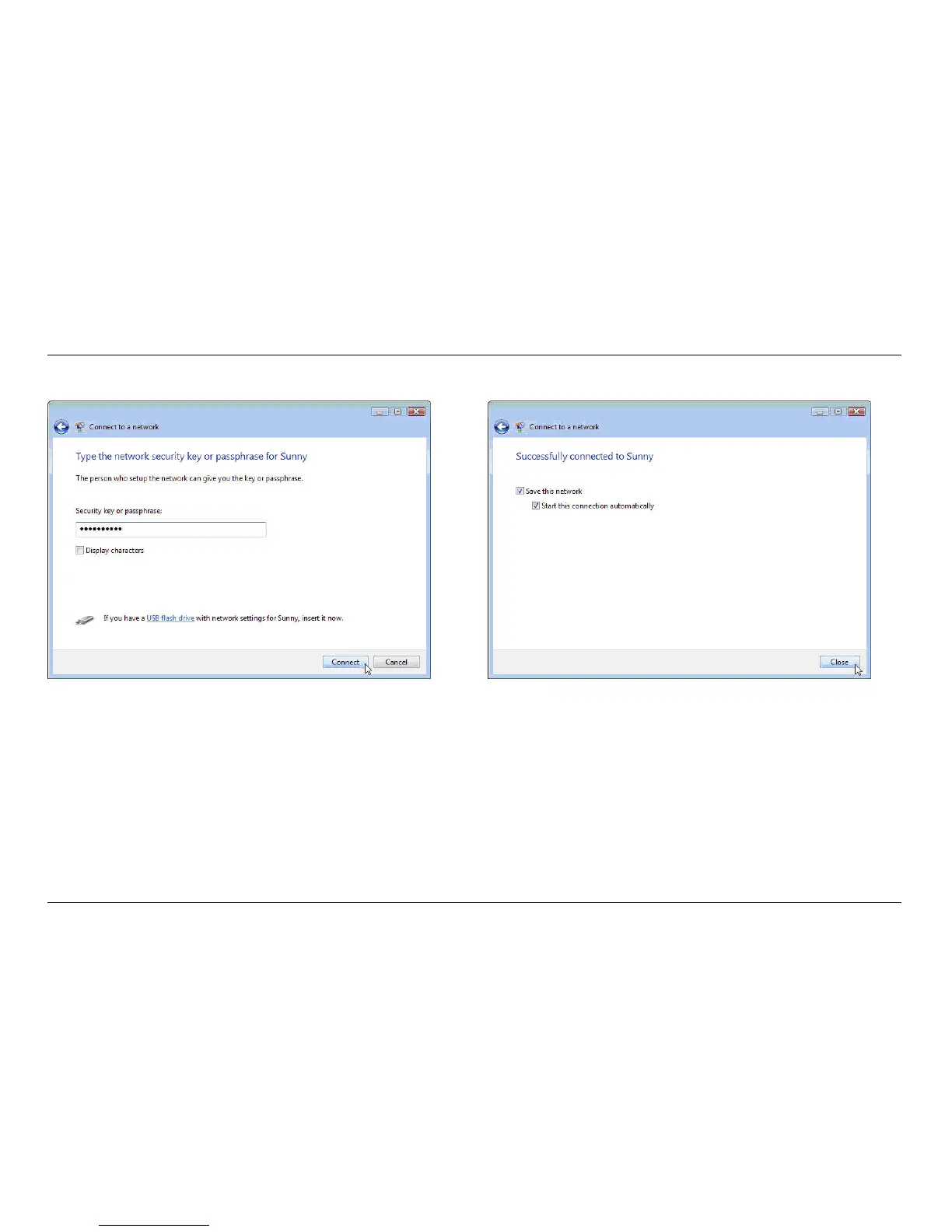
A.13 Depending on the security settings of your wireless network,
you may be prompted to enter a network security key or a
passphrase. Click “Connect” after you have done so.
A.14 After connecting to the network, you can choose
to save this network and connect automatically
when your Adapter is in range.


 To Next Page