Step 3 Configure
Connect to a Network
3.1
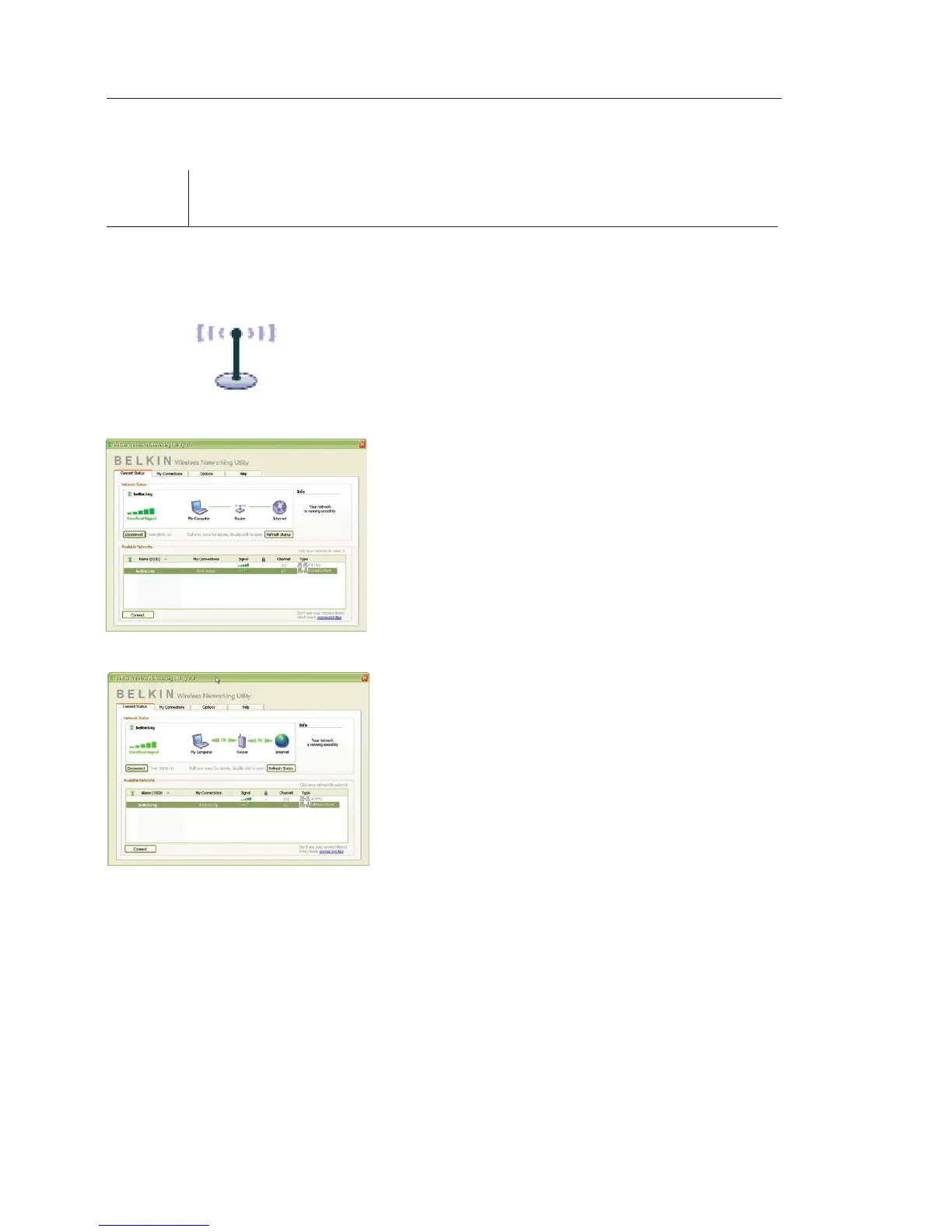
After restarting your computer,
double-click the Belkin Wireless
Networking Utility icon on the
desktop screen.
3.2 The Belkin Wireless Networking
Utility screen will appear.
3.3 Select a network to connect to
from the “Available Networks”
list and click “Connect”.
Note: In order to see your
available networks, you must be
near a working wireless router
or access point.


 To Next Page