WPA-PSK (no server)
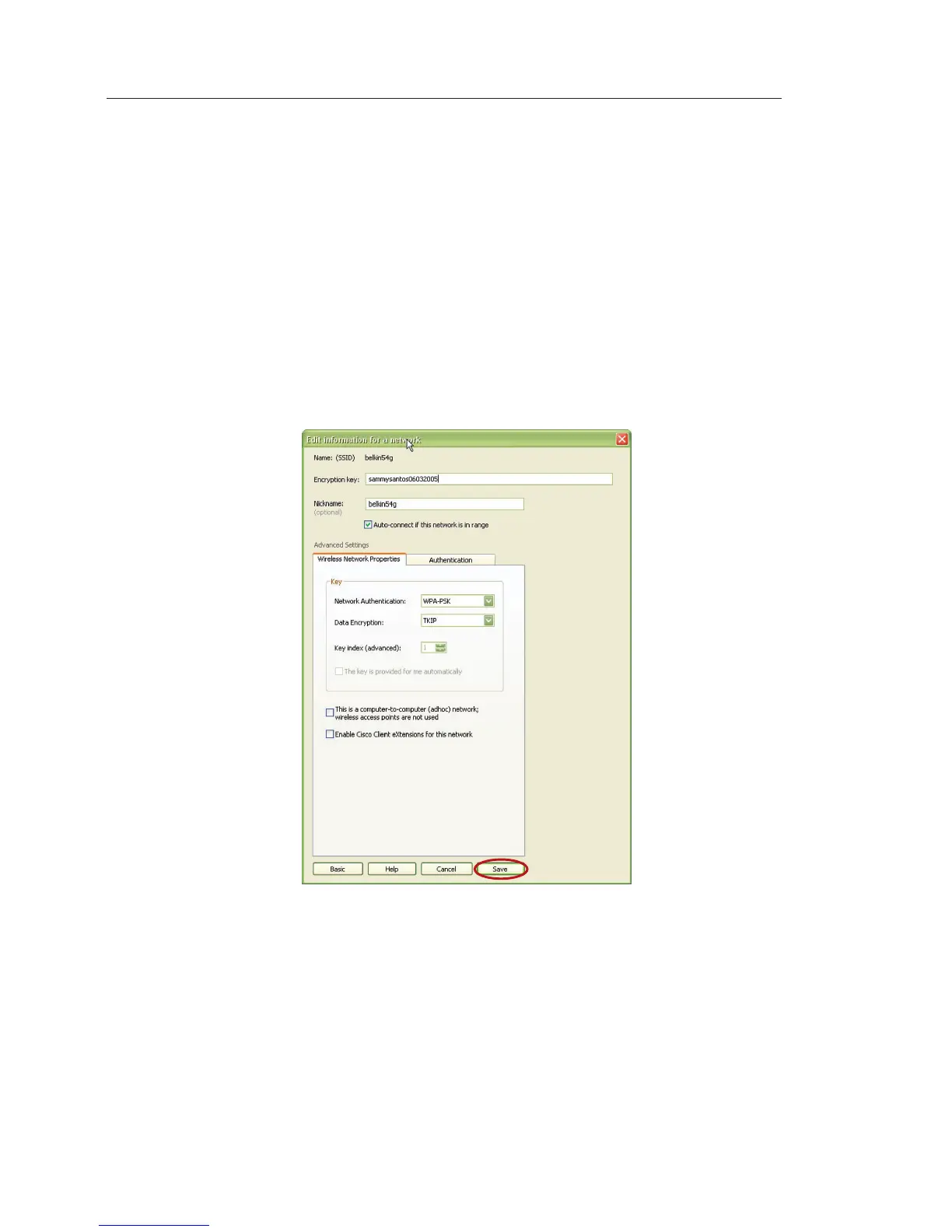
Choose this setting if your network does not use a radius server. WPA-PSK (no
server) is typically used in home and small office networking.
1. From the “Network Authentication” drop-down menu, select “WPA-PSK
(no server)”.
2. Enter your network key. This can be from eight to 63 characters and can
be letters, numbers, or symbols. This same key must be used on all of the
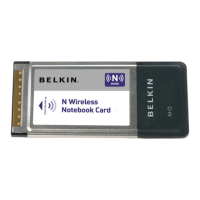
clients (network cards) that you want to include in your wireless network.
3. Click “Save” to finish. You must now set all clients
(network cards) to match these settings.


 To Next Page