4140
Alternate Setup Method
section
1
9
2
3
4
5
6
7
8
10
6. My Subnet Mask
Enter the subnet mask that has been provided by your ISP here.
7. Connection ID (optional)
If your ISP has provided you with a connection ID, enter it here.
If not, you can leave this blank.
8. Disconnect after X....
The “Disconnect” feature is used to automatically disconnect the
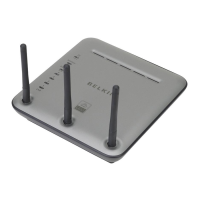
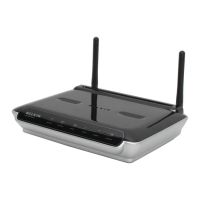
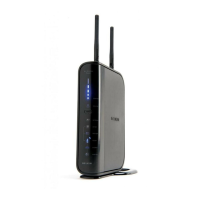
N1 Vision from your ISP when there is no activity for a specified
period of time. For instance, placing a check mark next to this
option and entering “5” into the minute field will cause the N1
Vision to disconnect from the Internet after five minutes of no
Internet activity. This option should be used if you pay for your
Internet service by the minute.





 To Next Page