1312
Using the Belkin Wireless Networking Utility
Network Status
This window displays the connectivity status of the current network.
It even displays connectivity between the computer and router,
and router and Internet. In the event of a connectivity problem,
this window can be used to determine the problem’s source (e.g.
computer, router, or Internet/modem).
Available Networks
This window displays the available networks at the current location
as well as their SSID, Signal Strength, Security Type, Channel, and
Network Type.
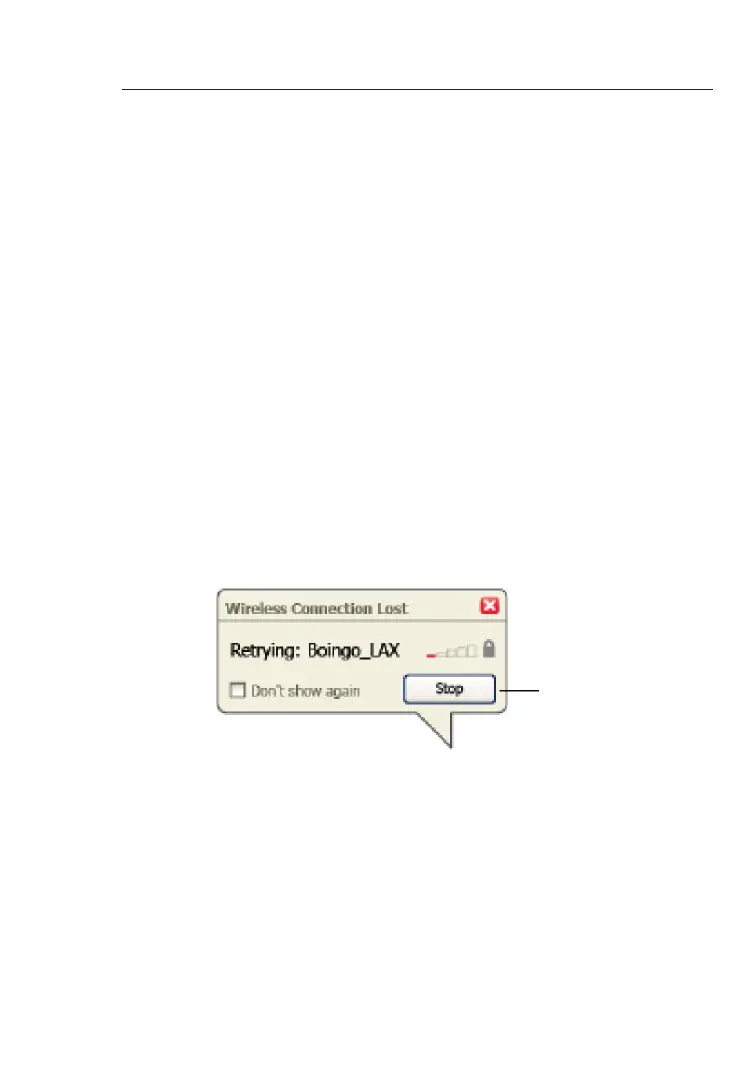
Lost Wireless Connection
If the current wireless connection is lost, a window will pop up and
the WNU will attempt to reconnect.










 To Next Page