10
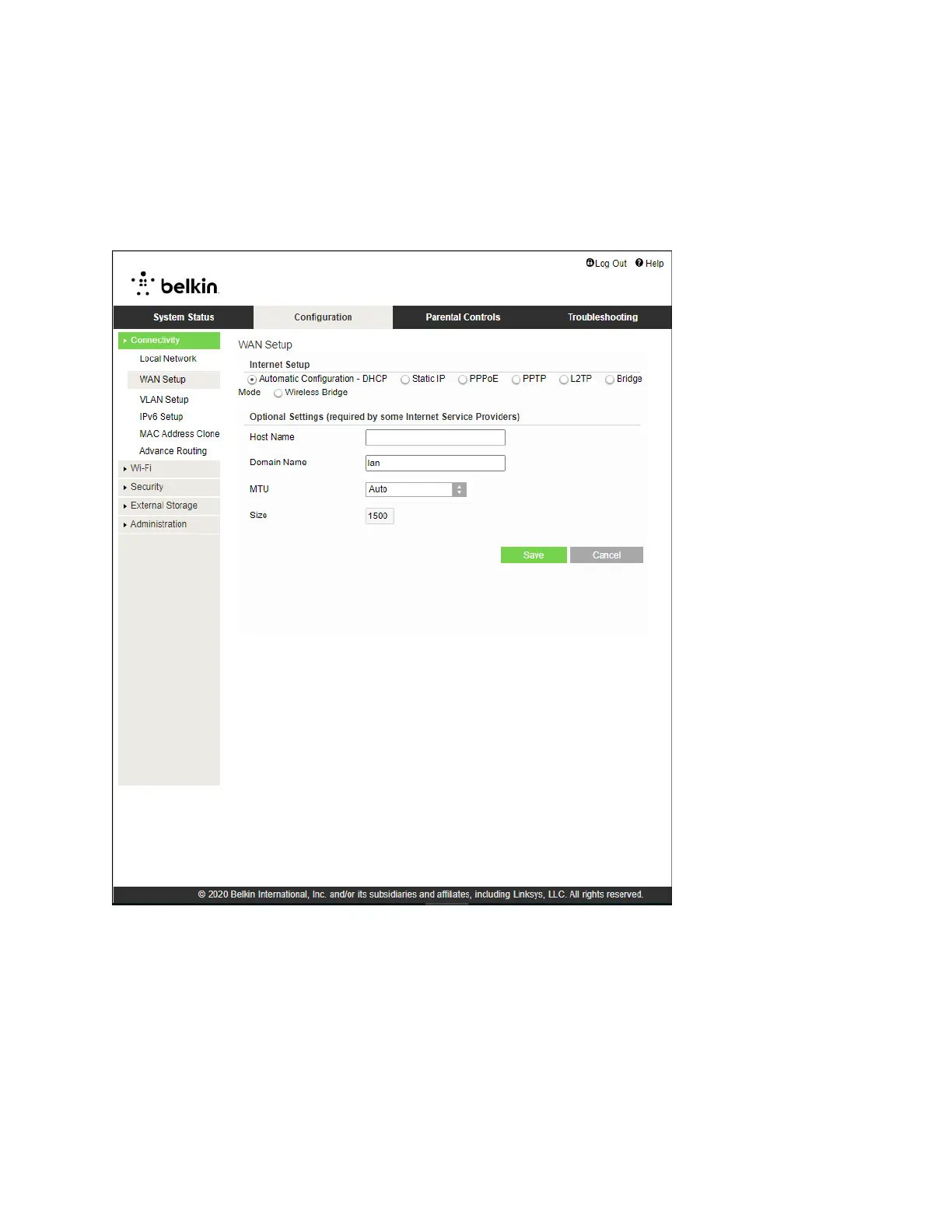
Internet Setup
The Internet Setup section configures the router to your internet connection. This information can be
provided by your Internet Service Provider (ISP).
Internet Connection Type—Select the type of internet connection your ISP provides from the drop-
down menu.
•
Automatic Configuration – DHCP (default)
Keep the default only if your ISP supports DHCP or if you connect using a dynamic IP address.
(This option usually applies to cable connections.)
•
Static IP
Select if you are required to use a fixed IP address to connect to the internet.


 To Next Page
 Loading...